
🏋️ Snack and Lift Booking Bot
A Selenium bot that books classes at the fictional gym "Snack and Lift" for you: it logs in, books every Tuesday and Thursday 6pm class, joins the waitlist when a class is full, verifies the result on the "My Bookings" page and survives a site that fails half of its requests. It is the solution to day 49 of Udemy's 100 Days of Code: The Complete Python Pro Bootcamp, written for course participants who want to compare solutions and for visitors who browse for ideas.
📚 Table of Contents
- Overview
- Requirements
- Setup
- Run
- Lecture steps and screenshots
- Tests
- License
- Links
- Appendix: Project documents
🧭 Overview
The bot follows the nine steps of the lecture on the practice site Snack and Lift:
- Setup, Chrome profile and basic navigation.
- Automated login.
- Book the upcoming Tuesday class.
- Check if a class is already booked.
- Add counters and a summary.
- Book every Tuesday and Thursday class.
- Verify the classes on the "My Bookings" page.
- Time travel quality assurance.
- Add resilience against network failures (
retry,login,book_class,get_my_bookings).
The repository is organised like this:
| Folder or file | What it is for |
|---|---|
src/snack_and_lift/ |
The bot. domain/ holds the rules with no Selenium, application/ holds retry, login, book_class and get_my_bookings, infrastructure/ drives the browser, constants.py holds every constant |
tests/ |
pytest tests; the unit tests need no browser |
docs/ |
Project documents, wiki pages (English, Danish, Bahasa Malaysia) and the screenshots of the lecture steps |
Dockerfile |
A Linux image with headless Chromium for real-browser runs and screenshots |
Doxyfile |
Doxygen configuration for the source comments |
📋 Requirements
- Python 3.13 or newer.
- Selenium (the only runtime dependency; it is installed by
pipand finds the browser driver itself). - Google Chrome or Chromium to run the bot on your own machine.
pytestandpytest-covfor the tests (development extra only).- Docker, only if you want to run the bot or take screenshots without opening a window on your desktop.
- Doxygen, only to build the source documentation.
🛠️ Setup
Create a local virtual environment, upgrade pip and install the project with the test tools:
python -m venv .venv
Activate it:
# Linux and macOS
source .venv/bin/activate
# Windows PowerShell
.venv\Scripts\Activate.ps1
python -m pip install --upgrade pip
python -m pip install -e ".[dev]"
Leave the environment with deactivate. The folder .venv is ignored by git.
▶️ Run
Your gym account
The bot never contains a password. Register your own account once, by hand, as the lecture does: run the bot with --keep-open so Chrome stays open (the chrome_profile folder keeps the site's data between runs), click "Join Today... Or Tomorrow" and register with an e-mail such as yourname@test.com and a password you remember (not a trivial one such as 12346, Chrome warns about those). Then give the bot the account through two environment variables:
# Linux and macOS
export SNACK_AND_LIFT_EMAIL="yourname@test.com"
export SNACK_AND_LIFT_PASSWORD="your password"
# Windows PowerShell
$env:SNACK_AND_LIFT_EMAIL = "yourname@test.com"
$env:SNACK_AND_LIFT_PASSWORD = "your password"
Start the bot
With the environment active:
snack-and-lift
or, without installing the command:
python -m snack_and_lift
To keep your desktop free, run it in the Docker container (headless Chromium):
docker build -t snack-and-lift .
docker run --rm snack-and-lift
📸 Lecture steps and screenshots
Each step has a wiki page that explains what it teaches, in English, Dansk and Bahasa Melayu. All nine images are screenshots of a real run against the live site. The step 8 image was taken before a fix: it ends in MISMATCH because the My Bookings page also lists bookings from earlier runs. The check now compares only the days of the run, so the same run ends in SUCCESS.
| Step | Wiki page | Screenshot |
|---|---|---|
| 1 | Setup and navigation | 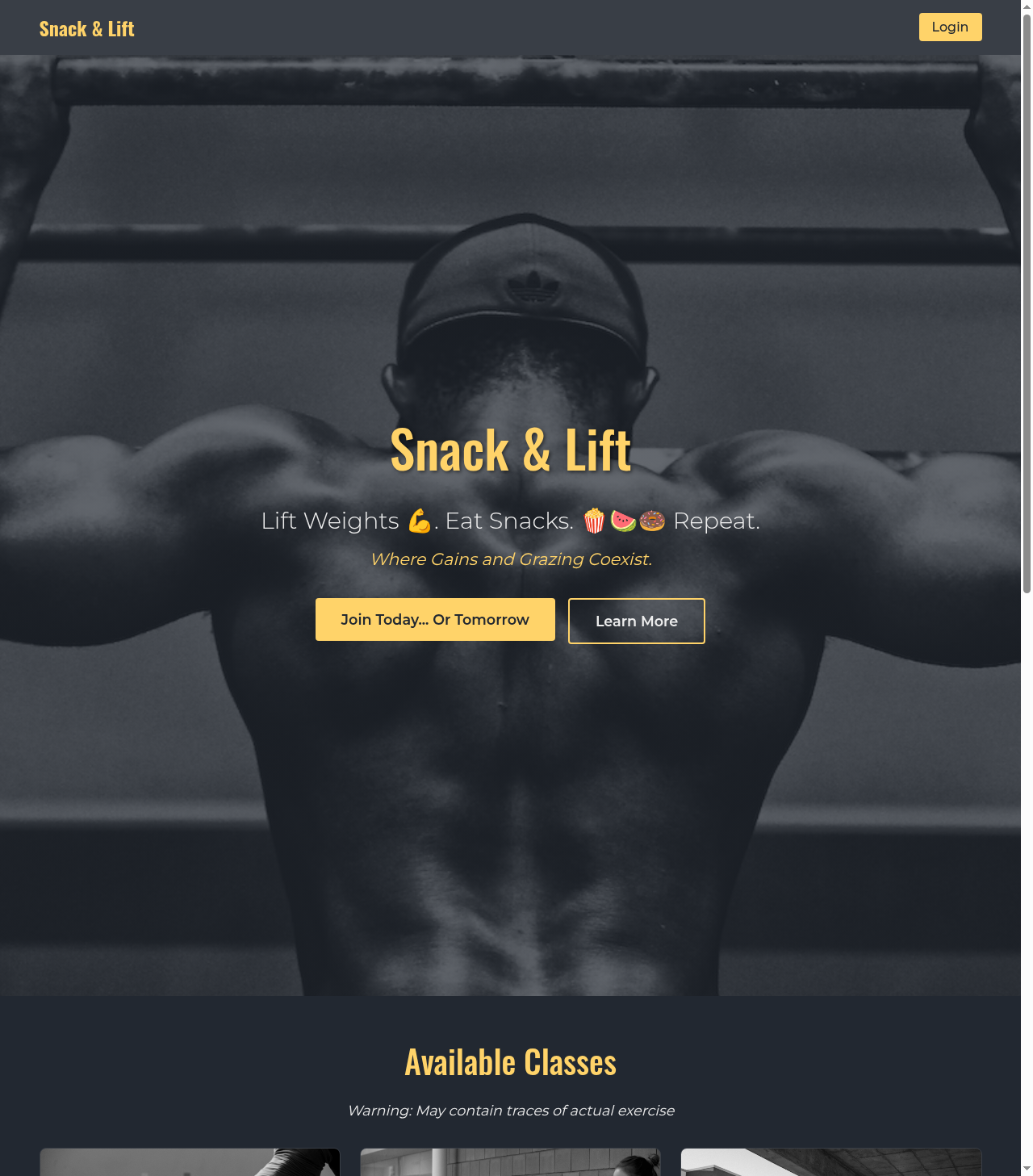 |
| 2 | Automated login | 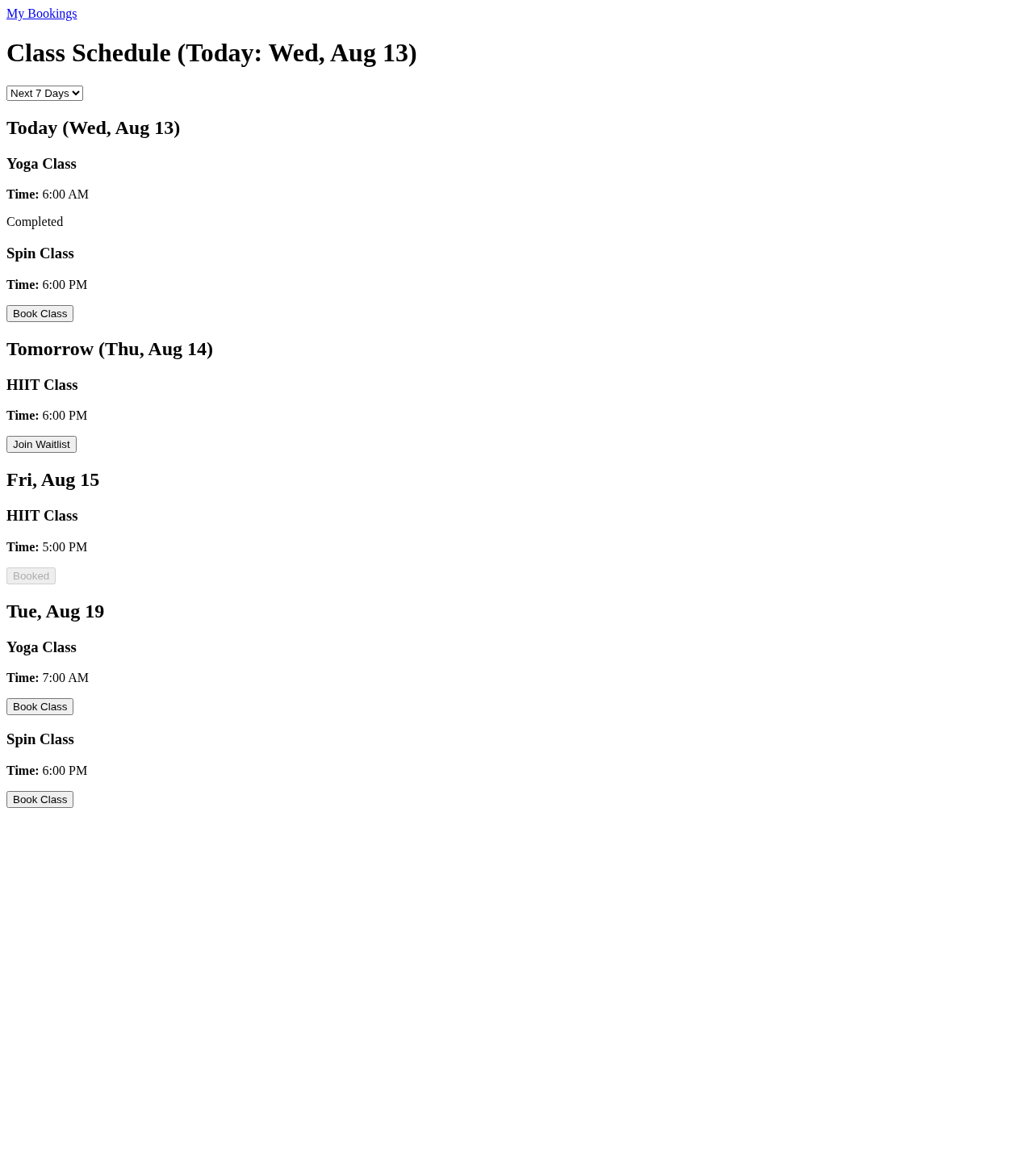 |
| 3 | Book the next Tuesday class | 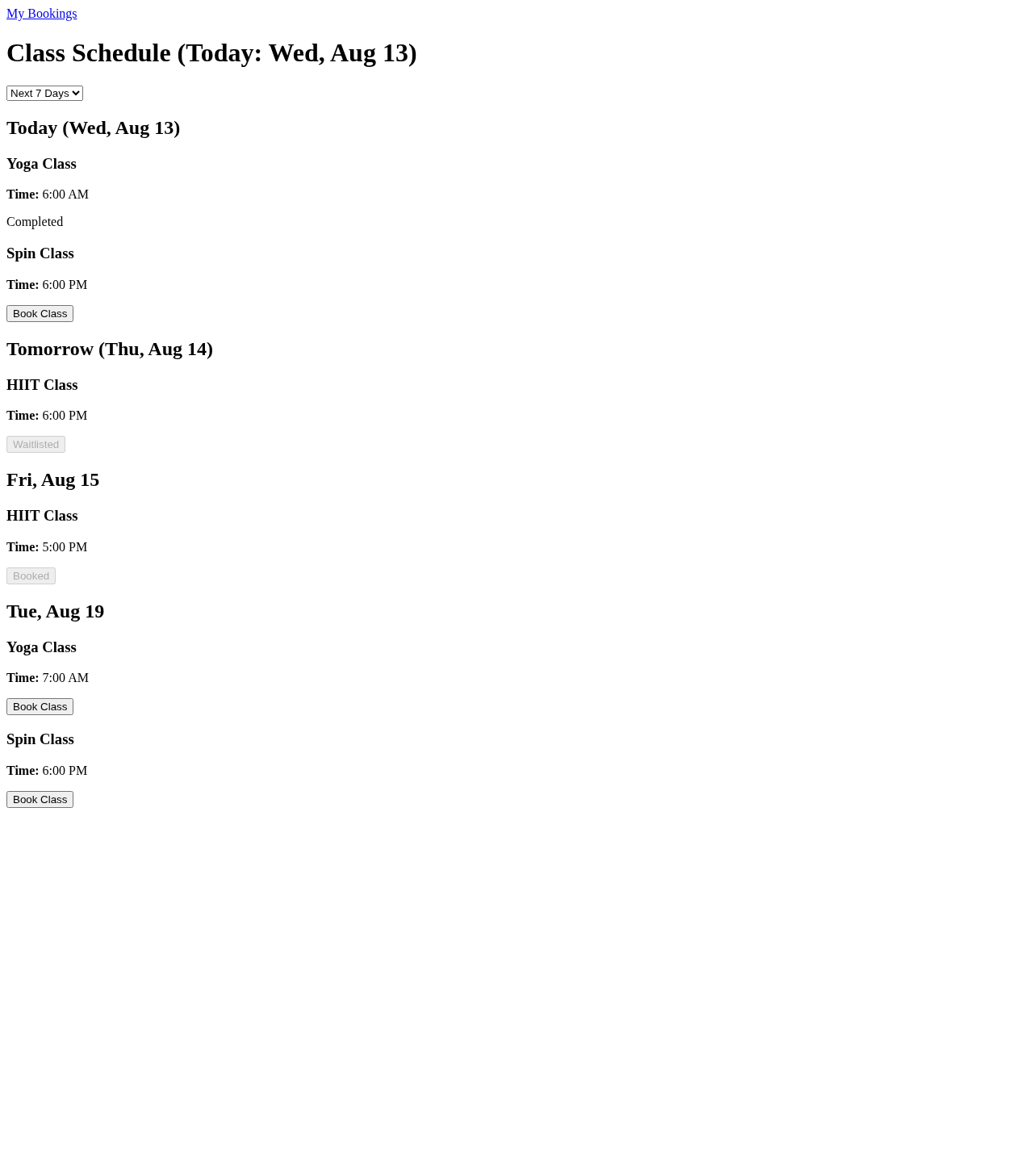 |
| 4 | Check if a class is booked | 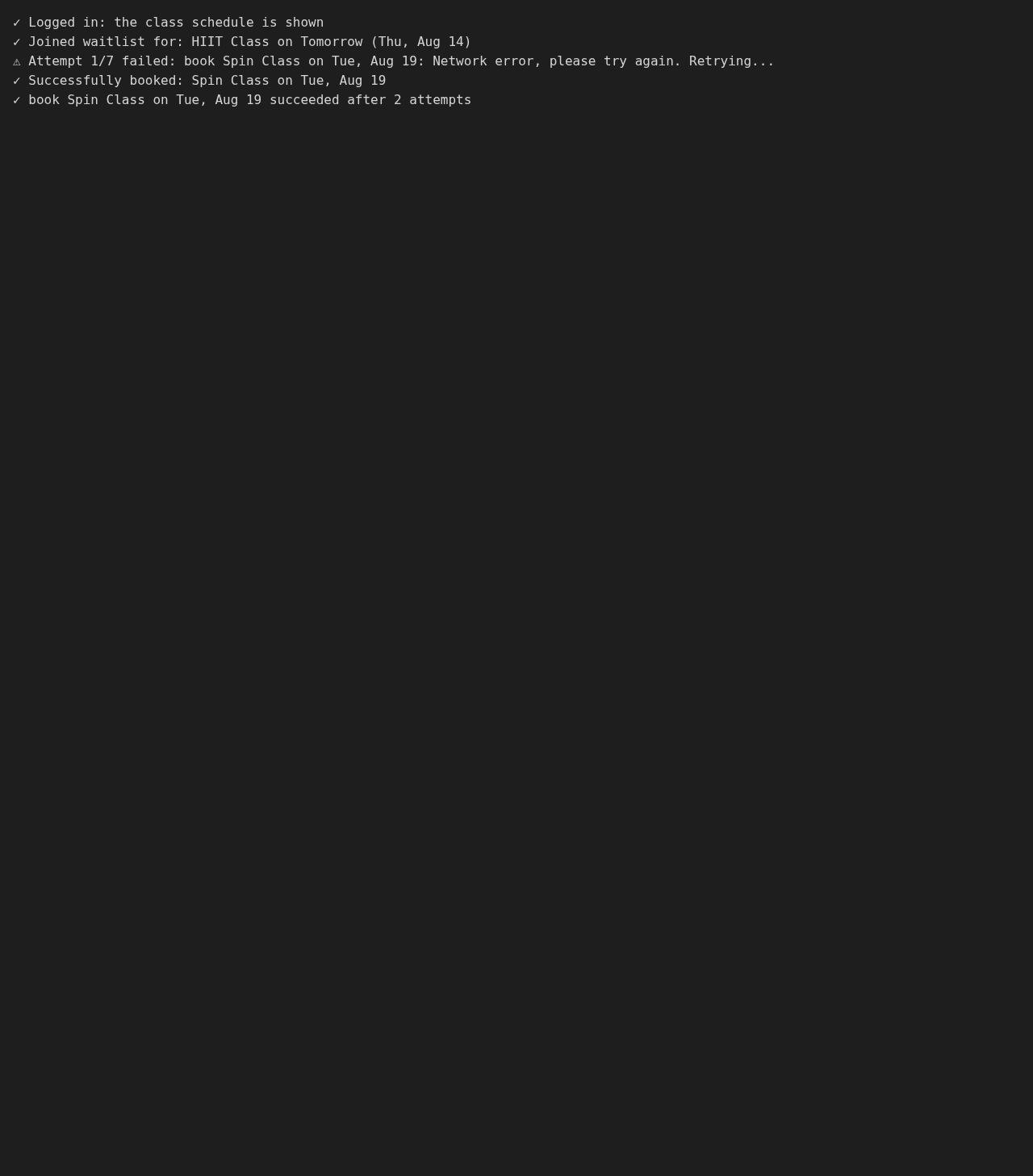 |
| 5 | Counters and summary | 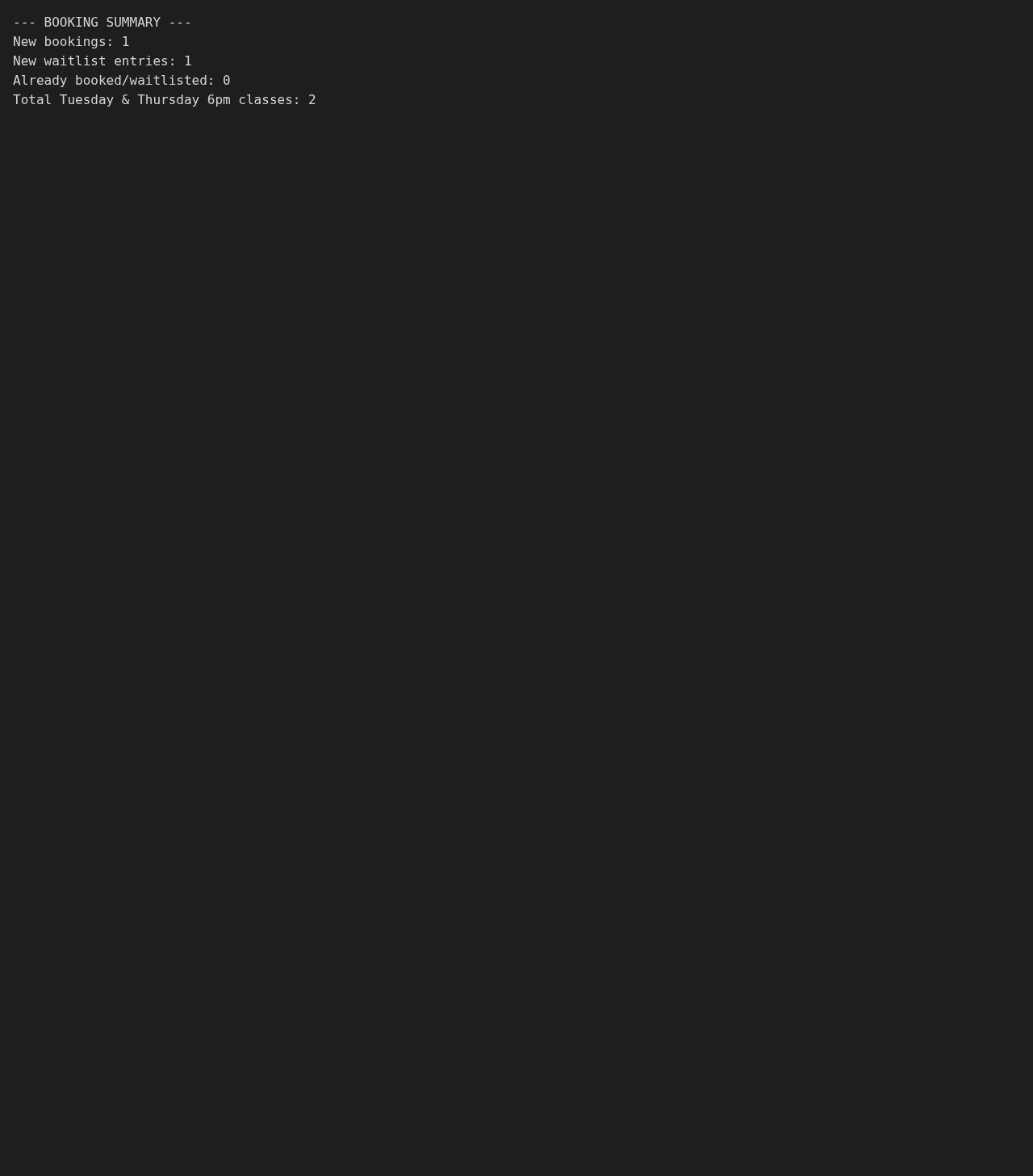 |
| 6 | Every Tuesday and Thursday class | 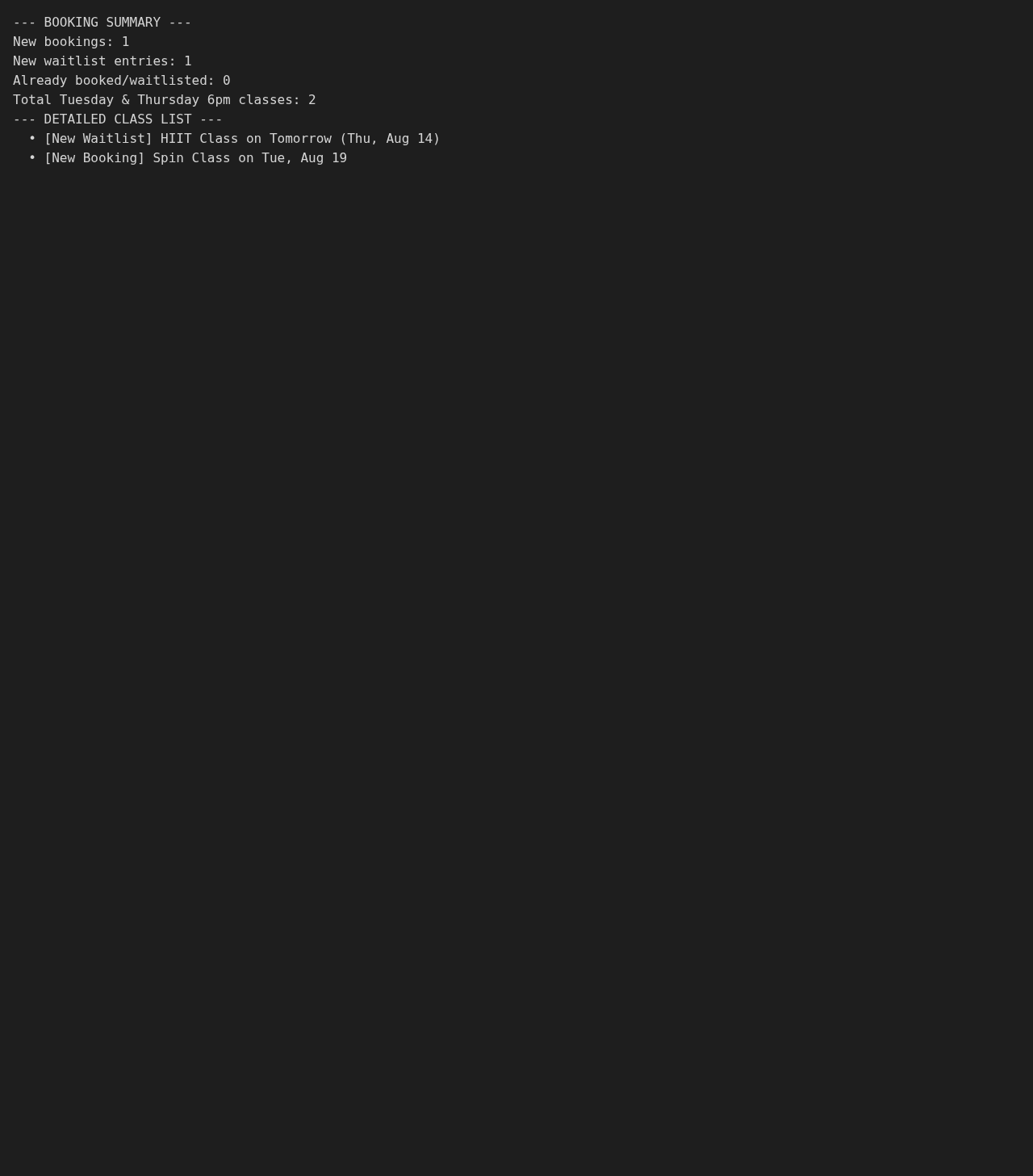 |
| 7 | Verify on My Bookings |  |
| 8 | Time travel QA | 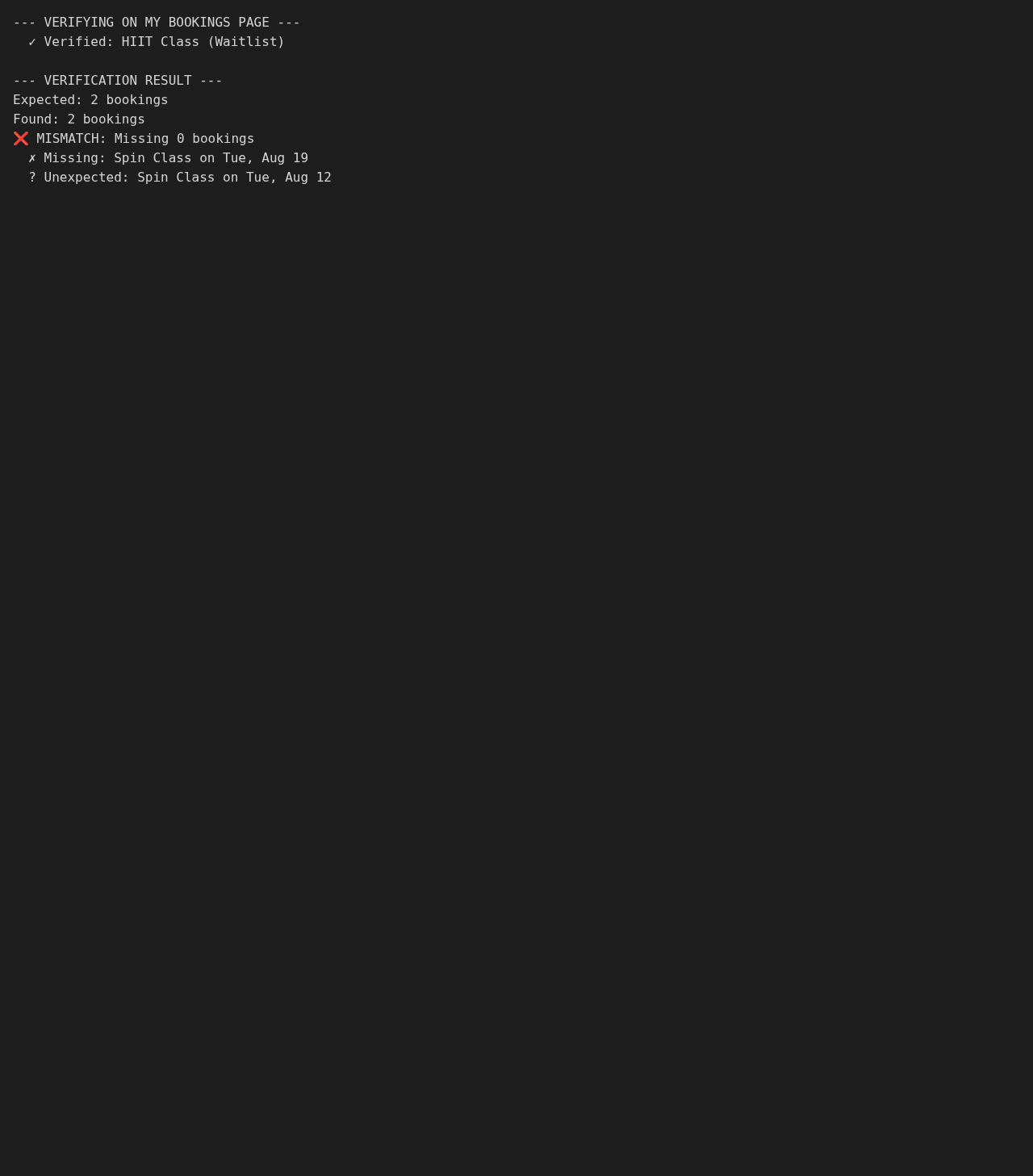 |
| 9 | Resilience (retry) | 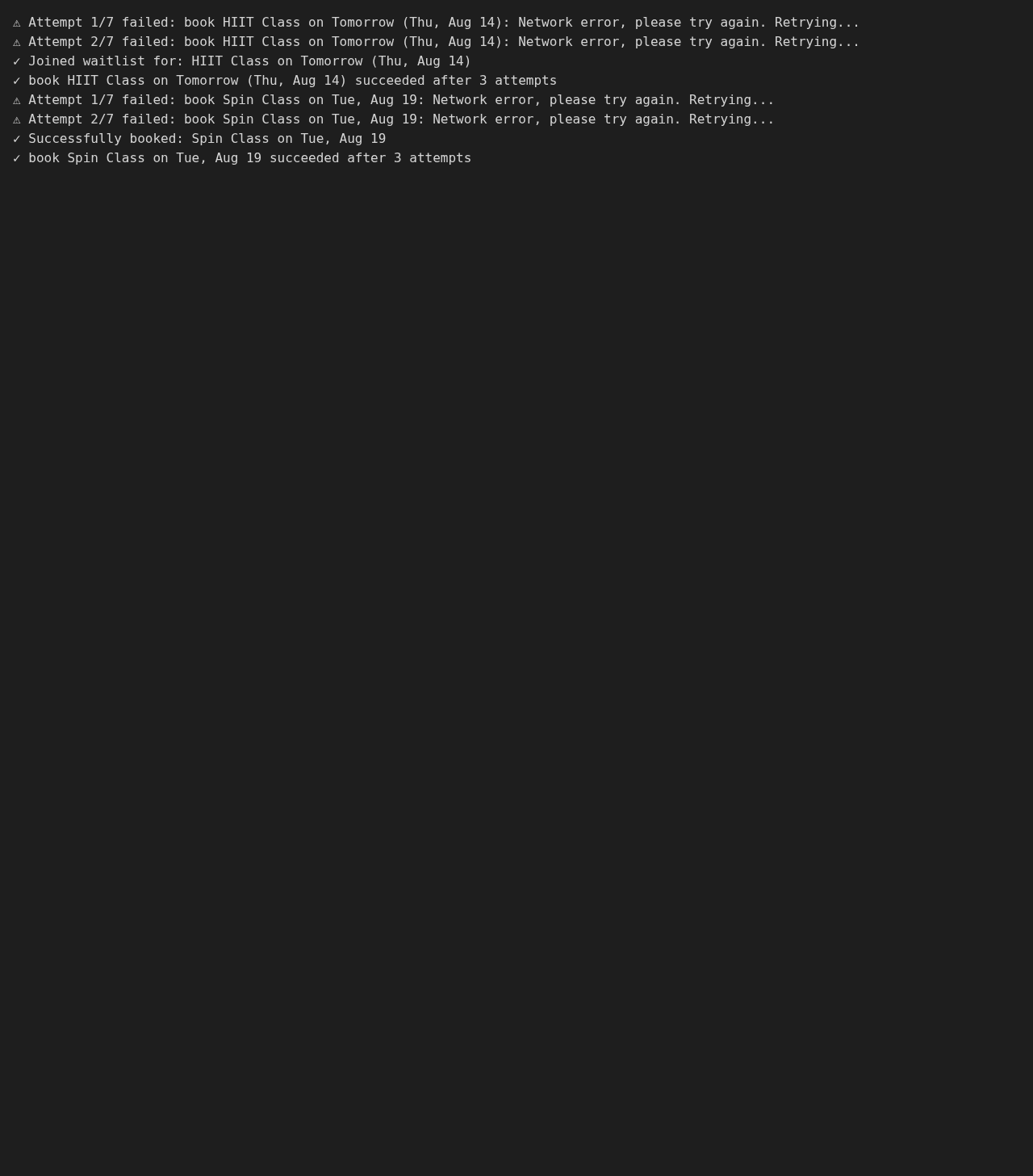 |
🧪 Tests
python -m pytest
Coverage of the logic modules is checked with python -m pytest --cov. Tests that need a real browser are marked browser and run in the Docker container; all other tests need neither a browser nor the network.
Build the source documentation with Doxygen:
doxygen Doxyfile
📄 License
GNU Affero General Public License v3.0, see LICENSE.
🔗 Links
📎 Appendix: Project documents
The documents a newcomer needs, in reading order.
| Document | What it tells you |
|---|---|
| AGENTS.md | The rules AI agents follow in this repository |
| Business Case | Why the project exists, its scope and success criteria |
| Stakeholder Analysis | Who is involved; the stakeholder IDs used for owners and reviewers |
| Project Plan | The gateways and their schedule |
| Milestones | One document per gateway: Go/No-Go criteria and tasks |
| Artifact registry | Where each artifact type lives, the next version, the PO language and domain |
| Domain dictionary | The PO terms and the IT terms |
| Traceability matrix | How the artifacts link and when each was last reviewed |
| Framework README | The framework this project uses |
| Framework changelog | What changed in each framework release |