2
Step 2
Tirsvad edited this page 2026-10-28 12:04:38 +01:00
English · Dansk · Bahasa Melayu
Step 2: Automated login
What you gain
You learn explicit waits (WebDriverWait) and how to fill a form. login() types the e-mail and password from environment variables, submits, and waits until the class schedule is shown. A wrong password is reported by the site's error message.
Where it is in the code
src/snack_and_lift/application/session.py
Screenshot
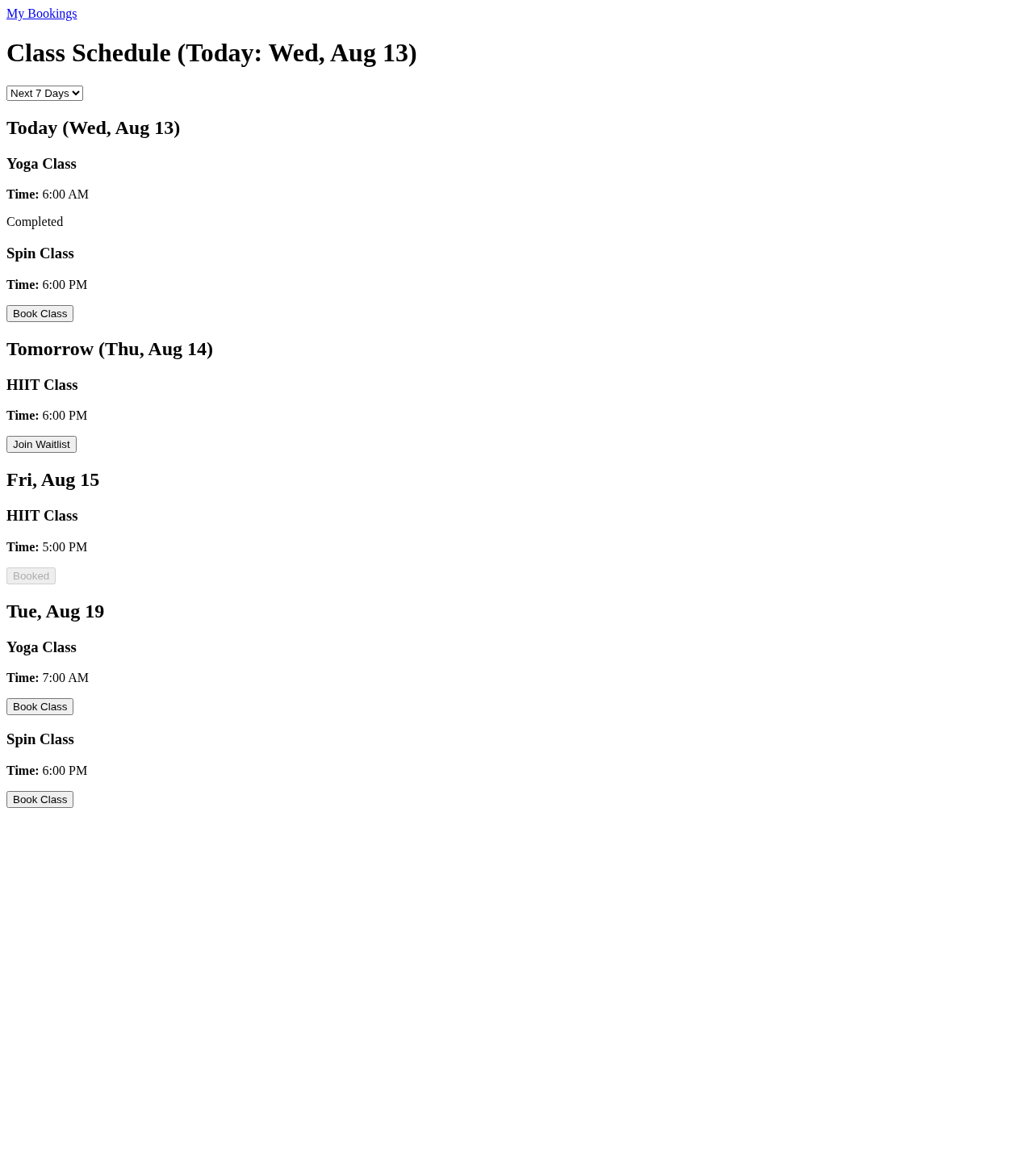
This image is an illustration: the bot ran against the project's local test pages (
tests/e2e/fixtures), not against the live gym site. A run with a real account and--screenshot-dir(see Getting started) replaces it.
Previous: 1 · Home · Next: 3