1
Step 2 Click The Cookie
Tirsvad edited this page 2026-10-28 10:04:20 +01:00
Step 2: click the cookie
🌐 English · Dansk · Bahasa Melayu
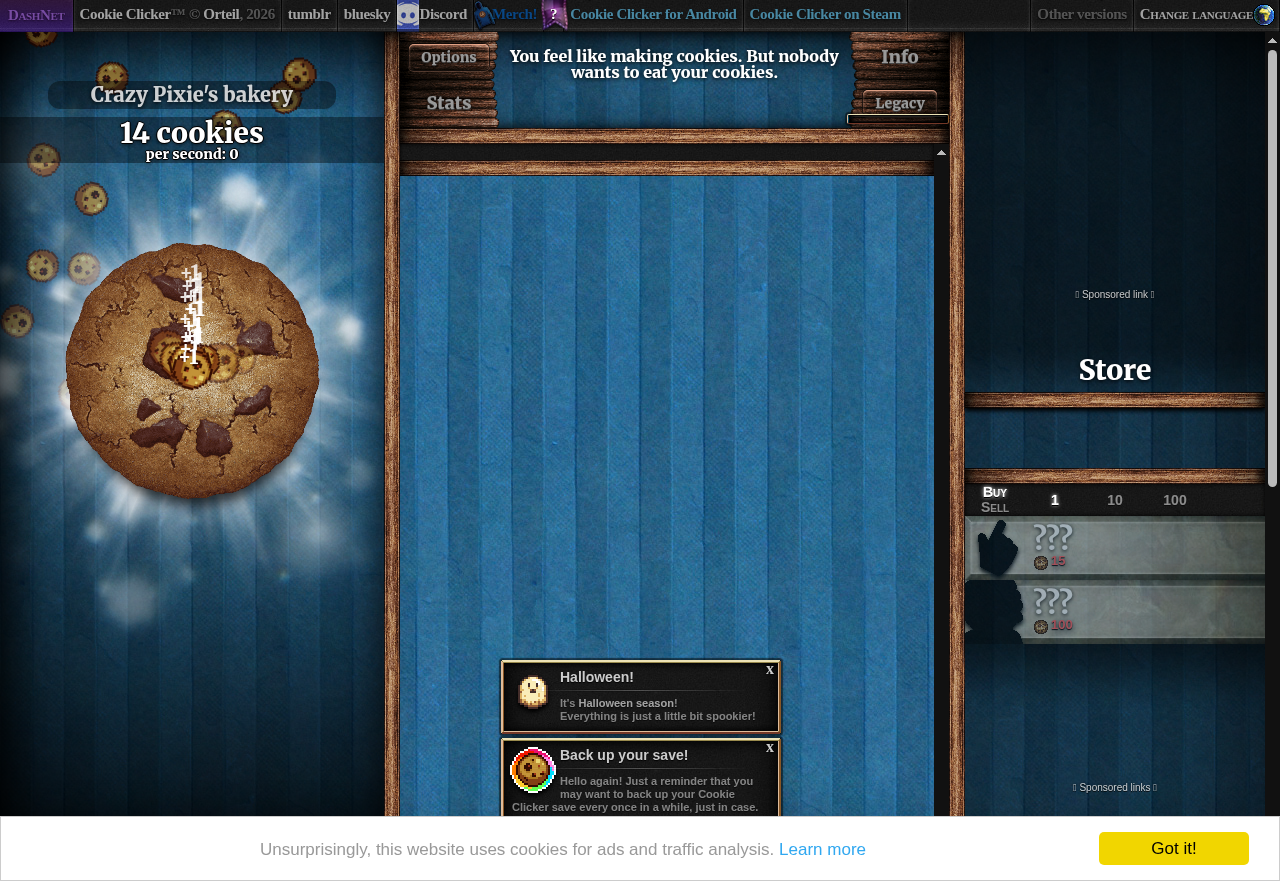
click_cookie clicks the big cookie a number of times. After 15 clicks the screenshot shows the counter and the first cookies in the bakery.
Screenshot
Function
def click_cookie(game: GamePort, times: int = 1) -> None:
    if times < 0:
        raise ValueError(f"times must not be negative, got {times}")
    for _ in range(times):
        game.click_element(BIG_COOKIE_ID)
What we gained
- A real click, not a script click. The game ignores synthetic clicks above about 3 per second but accepts about 50 per second from a real click, so
SeleniumGamealways useselement.click(). - Guard the input. A negative number of clicks raises
ValueError, and zero clicks is allowed; both are tested. - Retry when the page changes. The game redraws its page often, so a click that hits a stale element is tried again a few times.
Next: Step 3: read the count