 Tirsvad
9565ebe66d
Tirsvad
9565ebe66d
Wiki pages in English, Danish and Bahasa Malaysia for the home page and the
three lecture steps, with a sidebar and the screenshots; README with the
screenshots table and wiki links; review RC-011.

Task: MIL-003#1
1.2 KiB
1.2 KiB
English · Dansk · Bahasa Malaysia
Step 1: Click a link by its text
The lecture
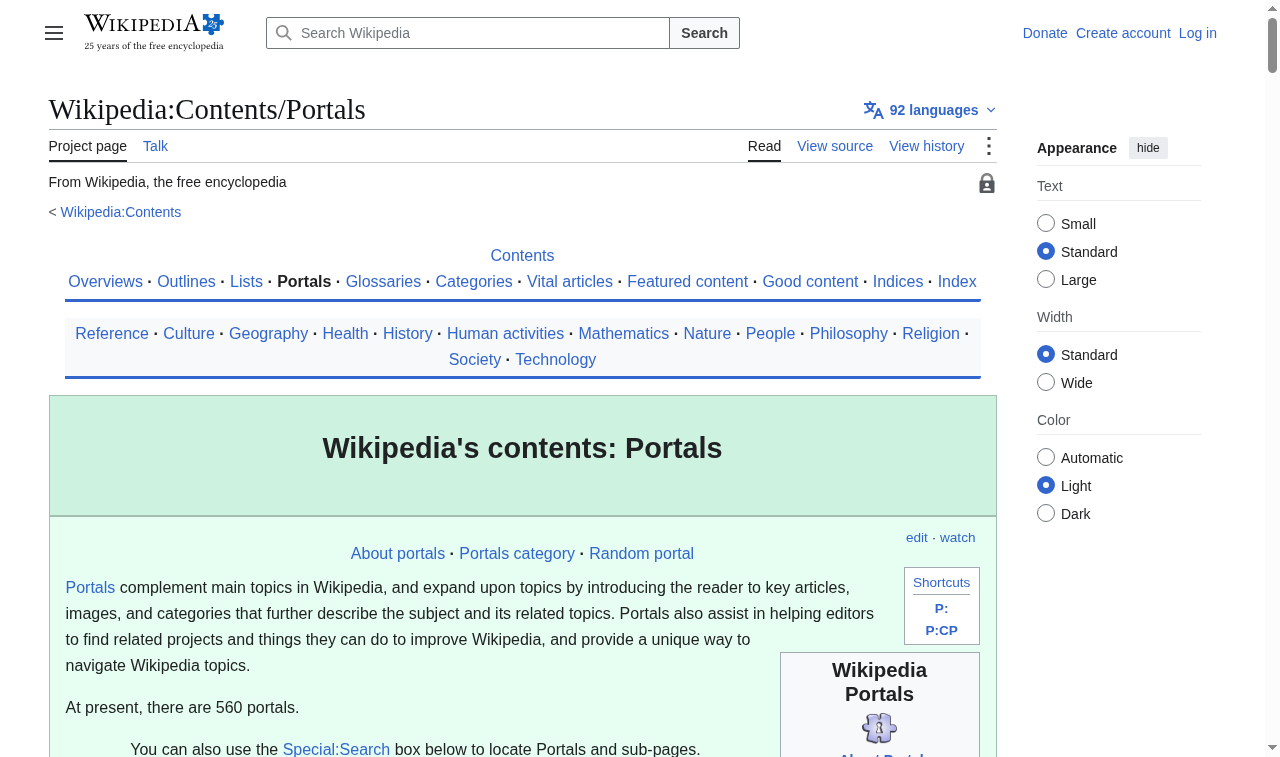
After a recap of how to find elements, the lecture shows that an anchor tag can be clicked with the .click() method, so the browser navigates by itself instead of by a mouse click. It then introduces a shortcut for links: find the link by the text it displays, here "Content portals".
The code
def click_link_by_text(browser, link_text=LINK_TEXT_CONTENT_PORTALS):
    browser.find_element(BY_LINK_TEXT, link_text).click()
BY_LINK_TEXT is the same value as Selenium's By.LINK_TEXT; a unit test guards that. The link text lives in constants.py.
What the browser shows
What we gained
- A link is an element like any other: find it, then call
.click(). By.LINK_TEXTfinds a link by its visible text, which is simpler than a CSS selector.- After the click the browser has moved to a new page; the next step starts from there.