
2.3 KiB
English · Dansk · Bahasa Melayu
Parsing HTML
Lectures: Parsing HTML and Making Soup and Finding and Selecting Elements. The sample page is tests/fixtures/website.html; the code is soup_basics.py.
Step 1: create a soup and read the title
BeautifulSoup(html, "html.parser") turns the HTML text into a soup object. soup.title.string is the text of the title tag.
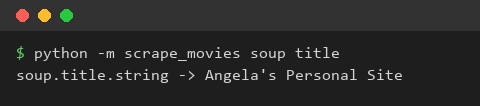
What we gained: HTML text becomes an object we can navigate, and a tag is reached with plain attribute access.
Step 2: prettify
soup.prettify() writes the document with one tag per line, which makes the nesting visible.
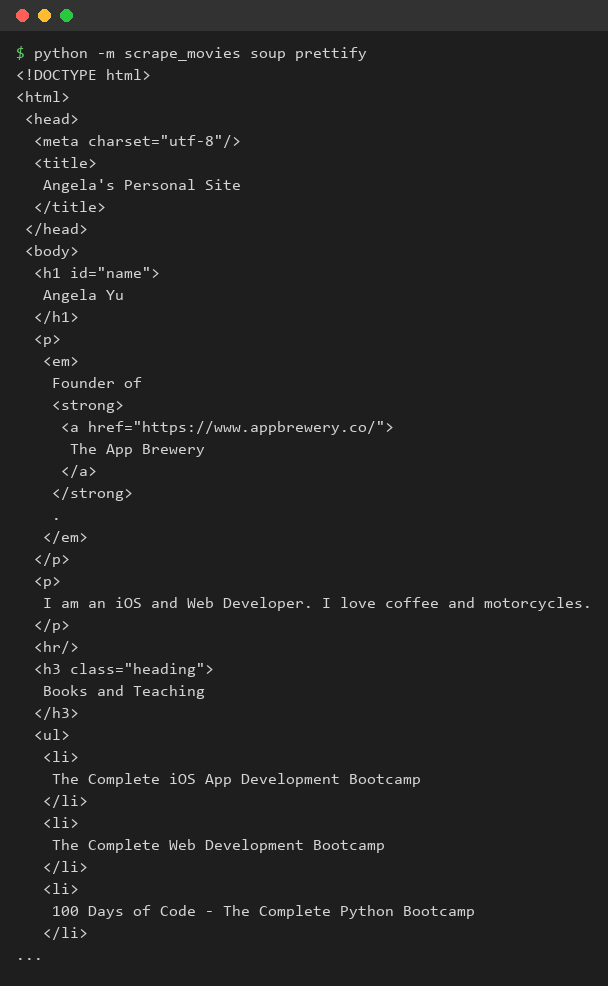
What we gained: reading the structure first tells us what to ask for.
Step 3: find all tags
find_all("a") returns every anchor. In a loop, get_text() gives the text and get("href") the address.
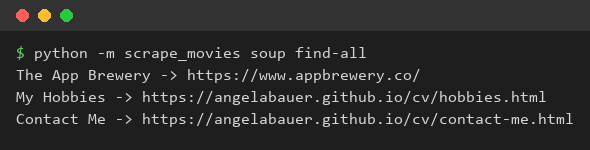
What we gained: one call finds many elements, and a loop turns them into data.
Step 4: find by id and by class
find(id="name") finds one tag by its id. find_all("h3", class_="heading") filters by tag and class; the keyword is class_ because class is a Python keyword.

What we gained: attributes narrow a search, and we avoid clashes with reserved words.
Step 5: CSS selectors
select_one("p a") and select(".heading") use the same selectors as CSS, so nested elements are reached in one expression.
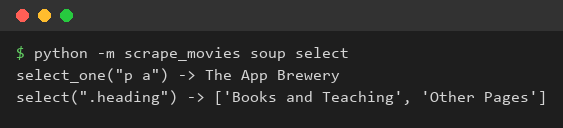
What we gained: CSS selectors are the shortest way to describe where an element sits in the document.
What we gained
We can read an HTML file into BeautifulSoup, look at its structure and pick out single or many elements by tag, id, class or CSS selector.