
18 lines
709 B
Markdown
18 lines
709 B
Markdown
**English** · [Dansk](Step-1-da) · [Bahasa Melayu](Step-1-ms)
|
|
|
|
# Step 1: Setup, Chrome profile and navigation
|
|
|
|
## What you gain
|
|
|
|
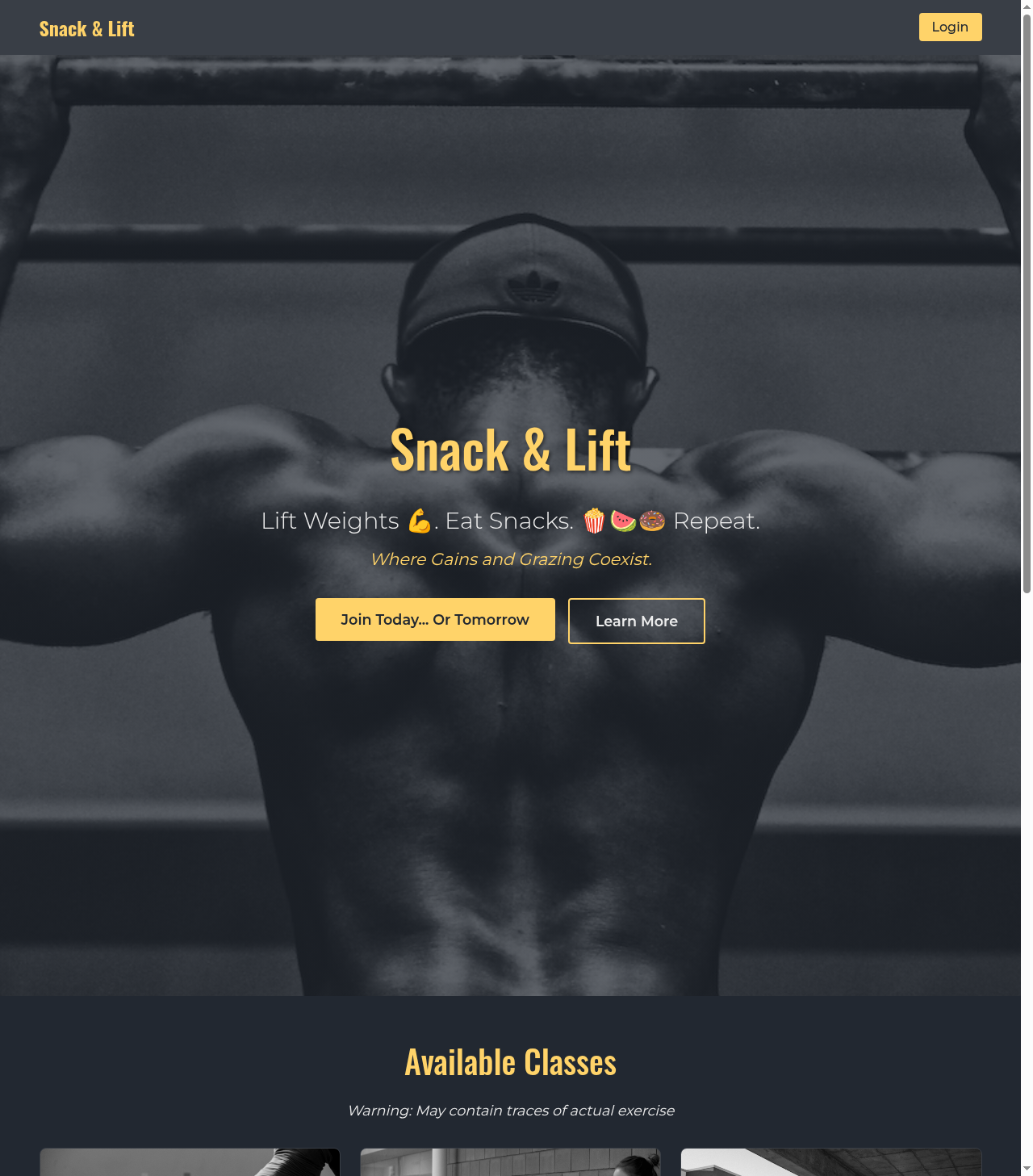
You learn to start Chrome from Selenium with its own profile folder (`chrome_profile`), so the site's data survives between runs, and with the `detach` option, so the window stays open when the script ends. The bot opens the home page and waits for the login button instead of sleeping.
|
|
|
|
## Where it is in the code
|
|
|
|
`src/snack_and_lift/infrastructure/browser.py`
|
|
|
|
## Screenshot
|
|
|
|
|
|
|
|
[Home](Home) · [Next: 2](Step-2)
|