
8.9 KiB
🏋️ Snack and Lift Booking Bot
A Selenium bot that books classes at the fictional gym "Snack and Lift" for you: it logs in, books every Tuesday and Thursday 6pm class, joins the waitlist when a class is full, verifies the result on the "My Bookings" page and survives a site that fails half of its requests. It is the solution to day 49 of Udemy's 100 Days of Code: The Complete Python Pro Bootcamp, written for course participants who want to compare solutions and for visitors who browse for ideas.
📚 Table of Contents
- Overview
- Requirements
- Setup
- Run
- Lecture steps and screenshots
- Tests
- License
- Links
- Appendix: Project documents
🧭 Overview
The bot follows the nine steps of the lecture on the practice site Snack and Lift:
- Setup, Chrome profile and basic navigation.
- Automated login.
- Book the upcoming Tuesday class.
- Check if a class is already booked.
- Add counters and a summary.
- Book every Tuesday and Thursday class.
- Verify the classes on the "My Bookings" page.
- Time travel quality assurance.
- Add resilience against network failures (
retry,login,book_class,get_my_bookings).
The repository is organised like this:
| Folder or file | What it is for |
|---|---|
src/snack_and_lift/ |
The bot. domain/ holds the rules with no Selenium, application/ holds retry, login, book_class and get_my_bookings, infrastructure/ drives the browser, constants.py holds every constant |
tests/ |
pytest tests; the unit tests need no browser |
docs/ |
Project documents, wiki pages (English, Danish, Bahasa Malaysia) and the screenshots of the lecture steps |
Dockerfile |
A Linux image with headless Chromium for real-browser runs and screenshots |
Doxyfile |
Doxygen configuration for the source comments |
📋 Requirements
- Python 3.13 or newer.
- Selenium (the only runtime dependency; it is installed by
pipand finds the browser driver itself). - Google Chrome or Chromium to run the bot on your own machine.
pytestandpytest-covfor the tests (development extra only).- Docker, only if you want to run the bot or take screenshots without opening a window on your desktop.
- Doxygen, only to build the source documentation.
🛠️ Setup
Create a local virtual environment, upgrade pip and install the project with the test tools:
python -m venv .venv
Activate it:
# Linux and macOS
source .venv/bin/activate
# Windows PowerShell
.venv\Scripts\Activate.ps1
python -m pip install --upgrade pip
python -m pip install -e ".[dev]"
Leave the environment with deactivate. The folder .venv is ignored by git.
▶️ Run
Your gym account
The bot never contains a password. Register your own account once, by hand, as the lecture does: run the bot with --keep-open so Chrome stays open (the chrome_profile folder keeps the site's data between runs), click "Join Today... Or Tomorrow" and register with an e-mail such as yourname@test.com and a password you remember (not a trivial one such as 12346, Chrome warns about those). Then give the bot the account through two environment variables:
# Linux and macOS
export SNACK_AND_LIFT_EMAIL="yourname@test.com"
export SNACK_AND_LIFT_PASSWORD="your password"
# Windows PowerShell
$env:SNACK_AND_LIFT_EMAIL = "yourname@test.com"
$env:SNACK_AND_LIFT_PASSWORD = "your password"
Start the bot
With the environment active:
snack-and-lift
or, without installing the command:
python -m snack_and_lift
To keep your desktop free, run it in the Docker container (headless Chromium):
docker build -t snack-and-lift .
docker run --rm snack-and-lift
📸 Lecture steps and screenshots
Each step has a wiki page that explains what it teaches, in English, Dansk and Bahasa Melayu. All nine images are screenshots of a real run against the live site. Step 8 ends in MISMATCH: the My Bookings page also lists bookings from earlier runs outside the schedule's next 7 days, which the check does not yet ignore.
| Step | Wiki page | Screenshot |
|---|---|---|
| 1 | Setup and navigation | 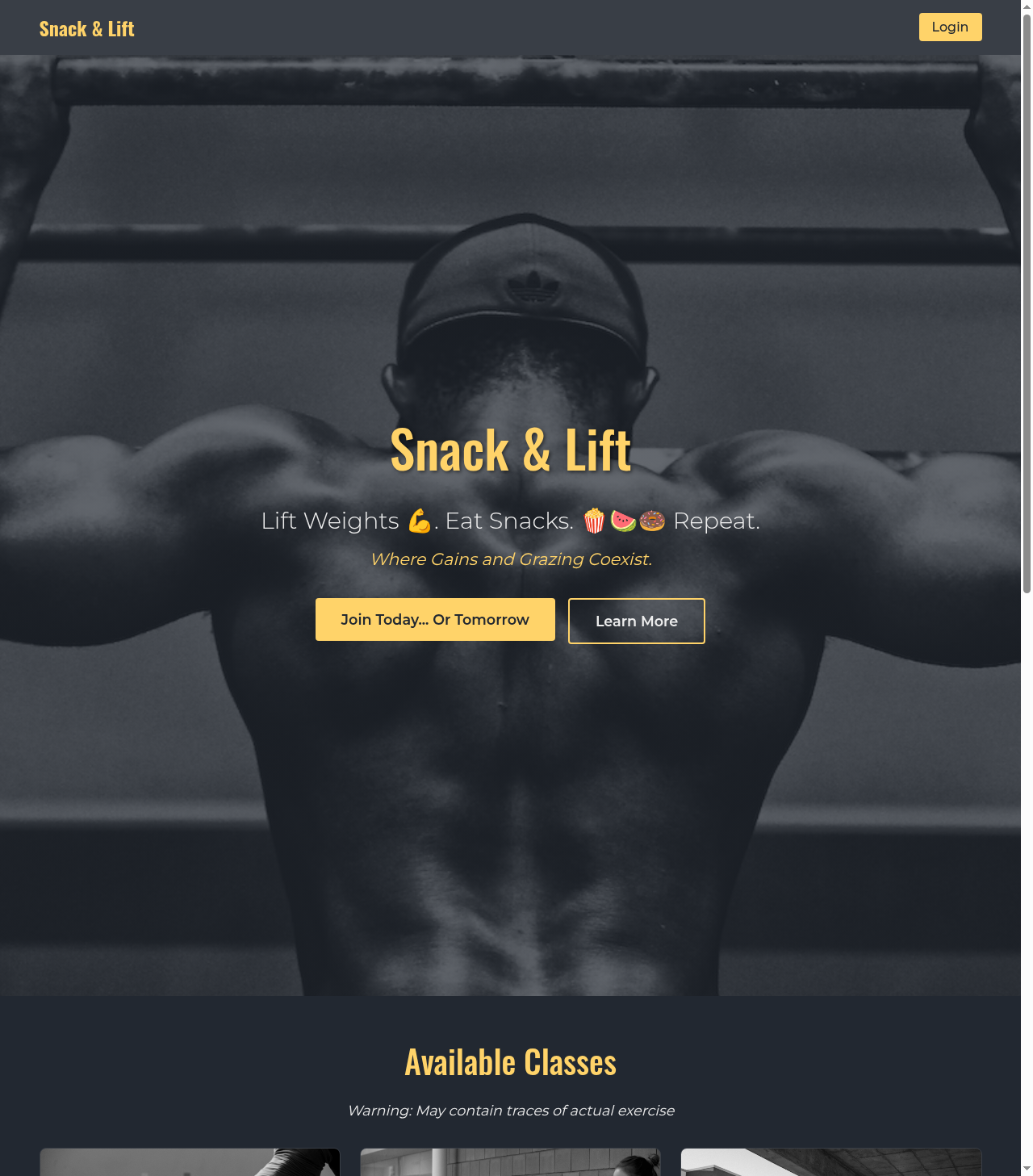 |
| 2 | Automated login | 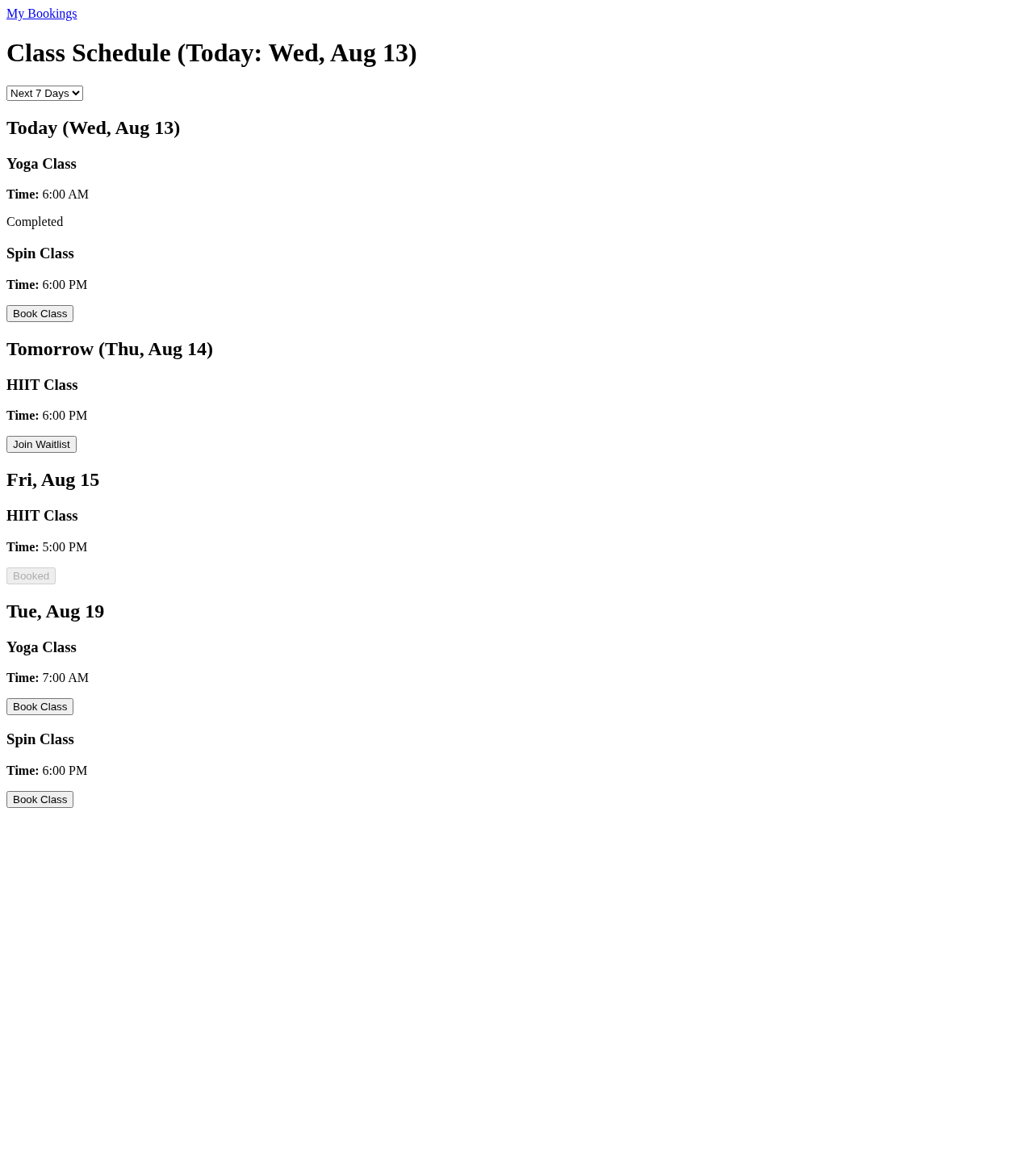 |
| 3 | Book the next Tuesday class | 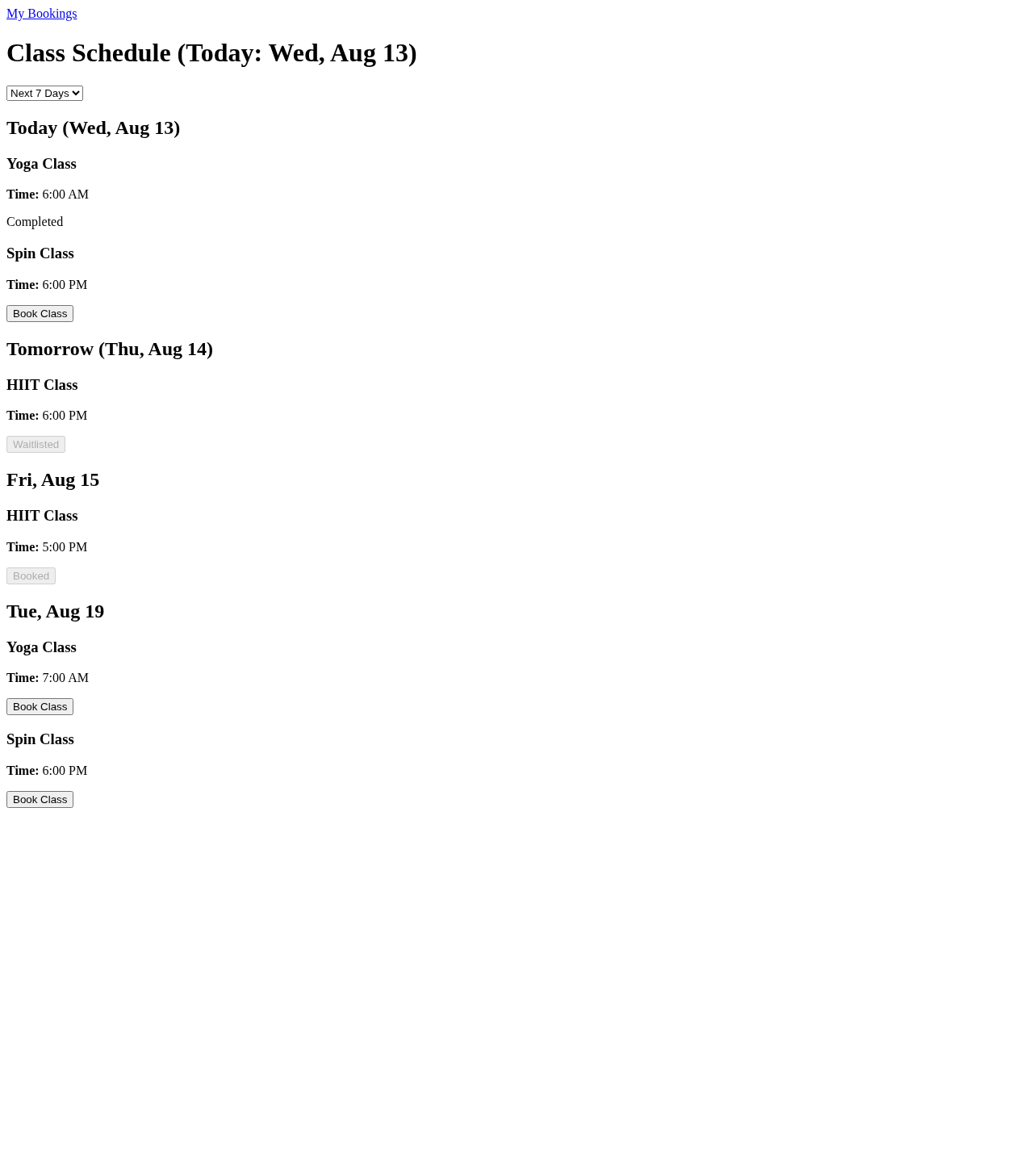 |
| 4 | Check if a class is booked | 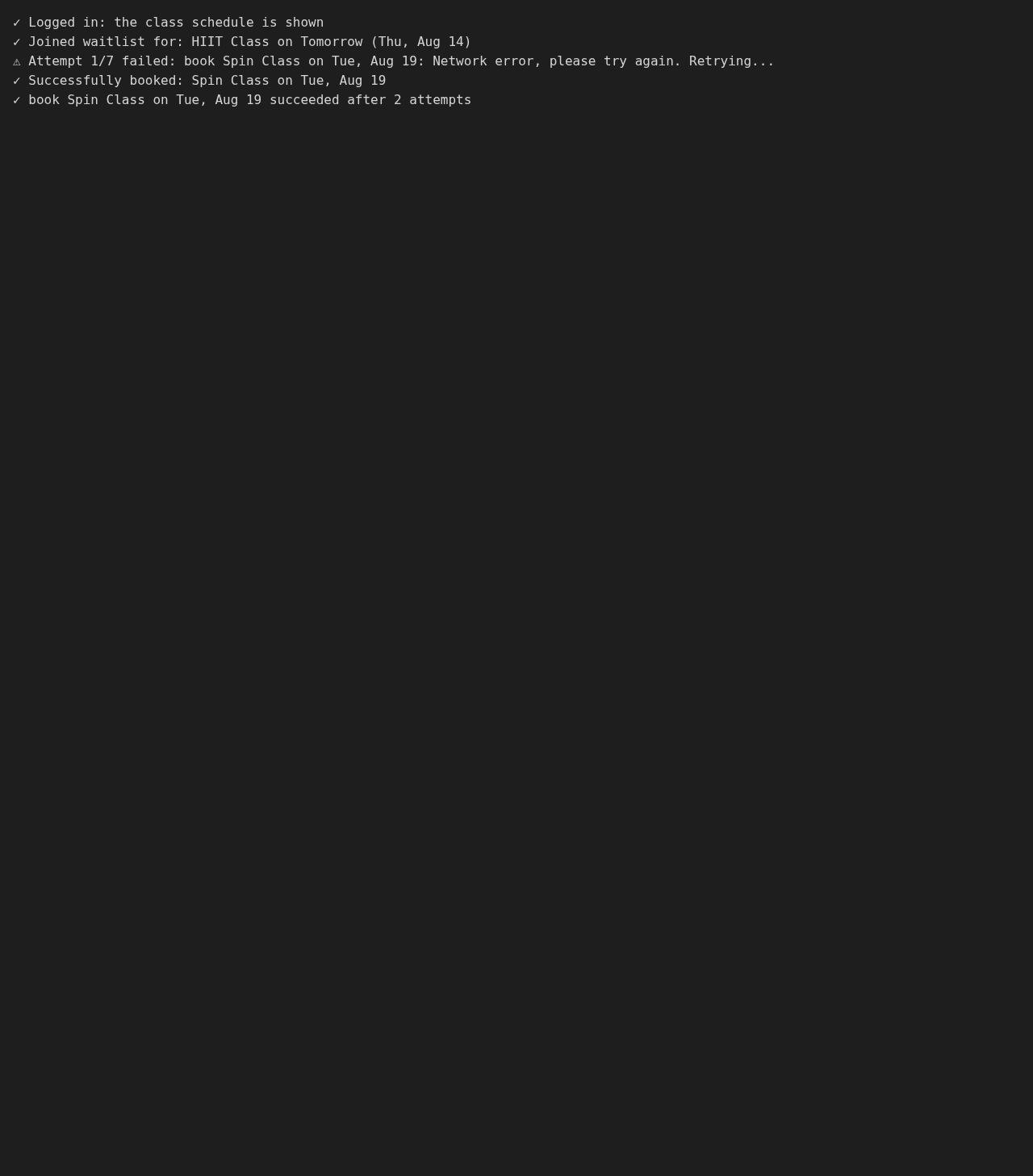 |
| 5 | Counters and summary | 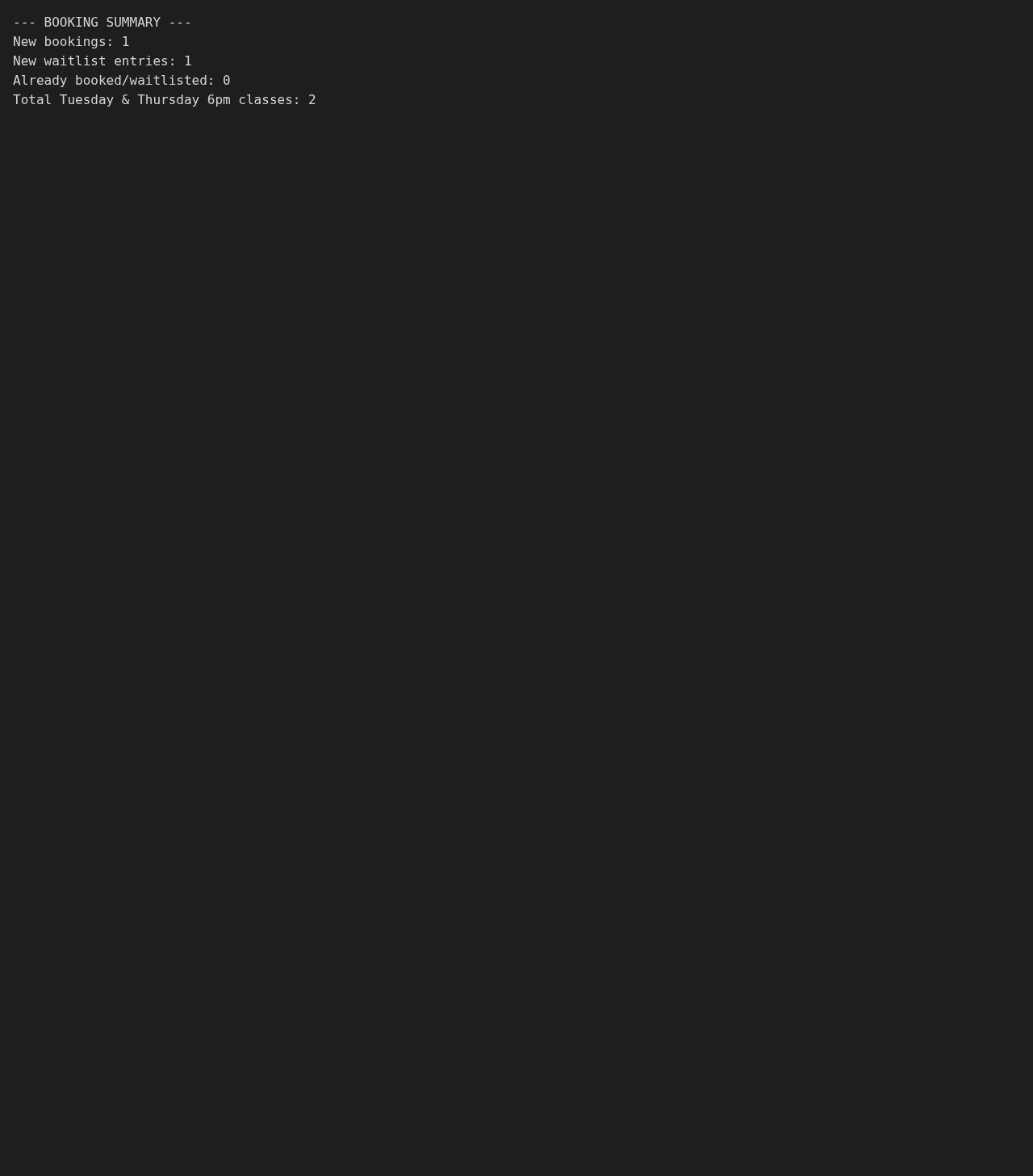 |
| 6 | Every Tuesday and Thursday class | 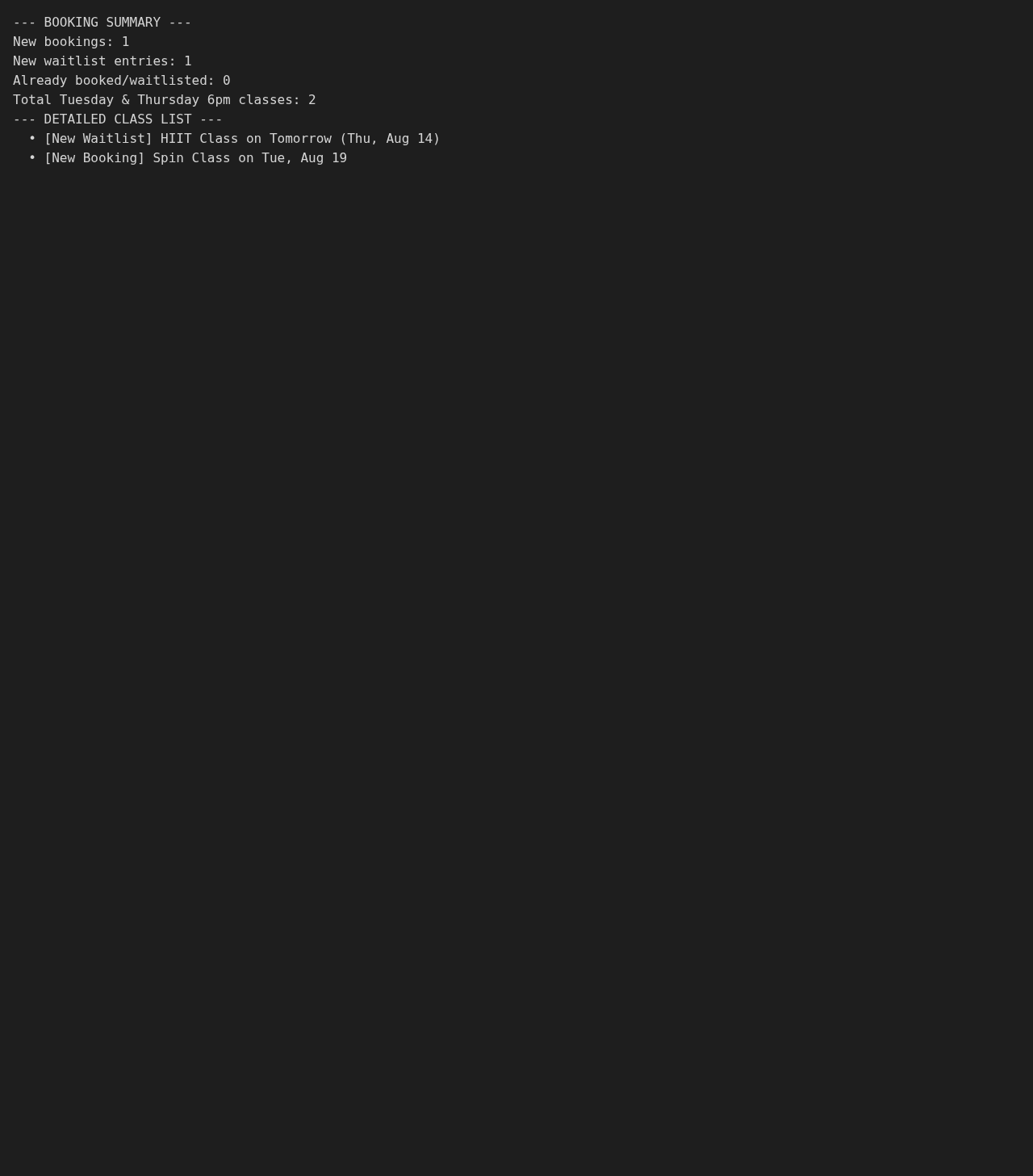 |
| 7 | Verify on My Bookings |  |
| 8 | Time travel QA | 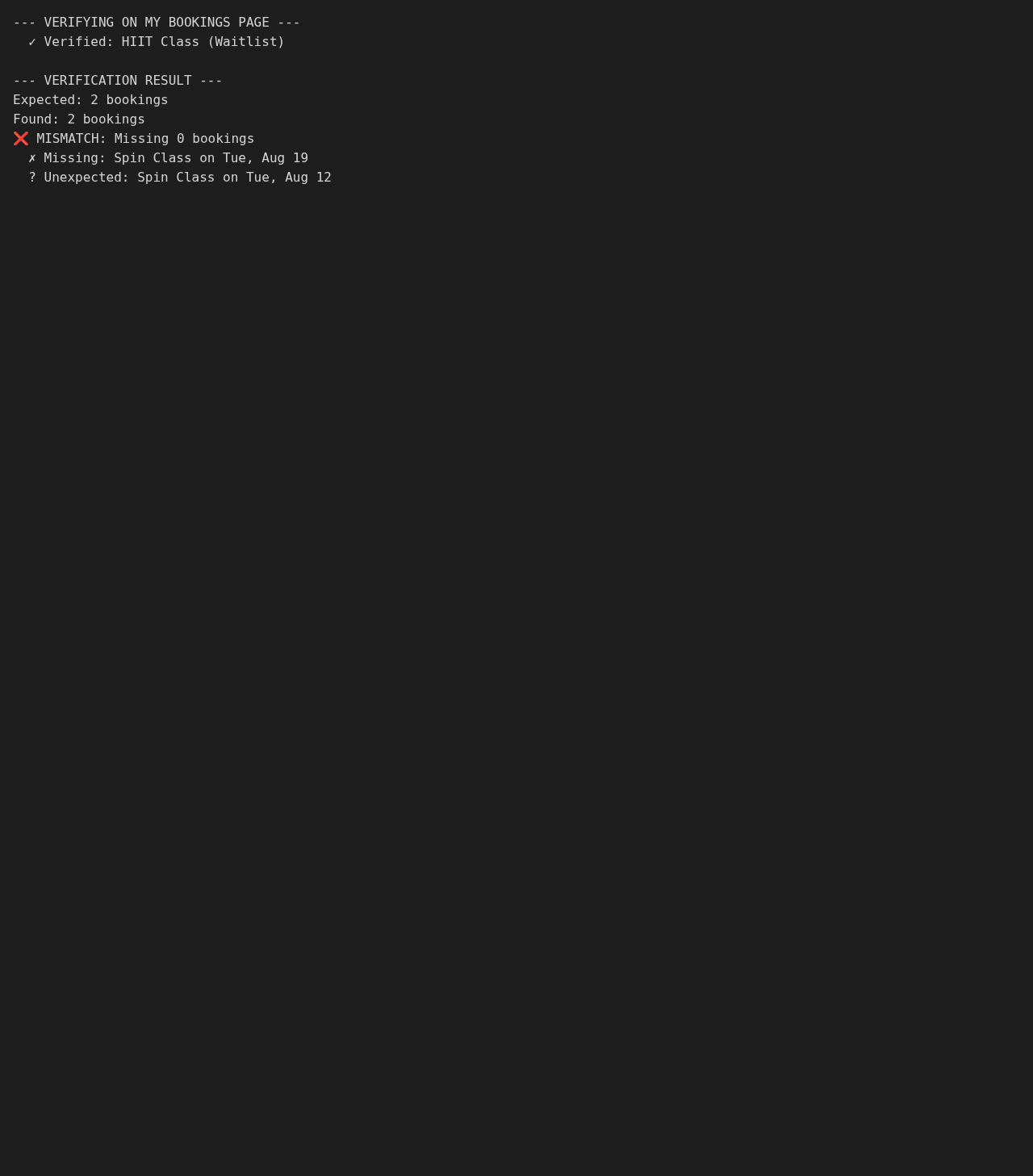 |
| 9 | Resilience (retry) | 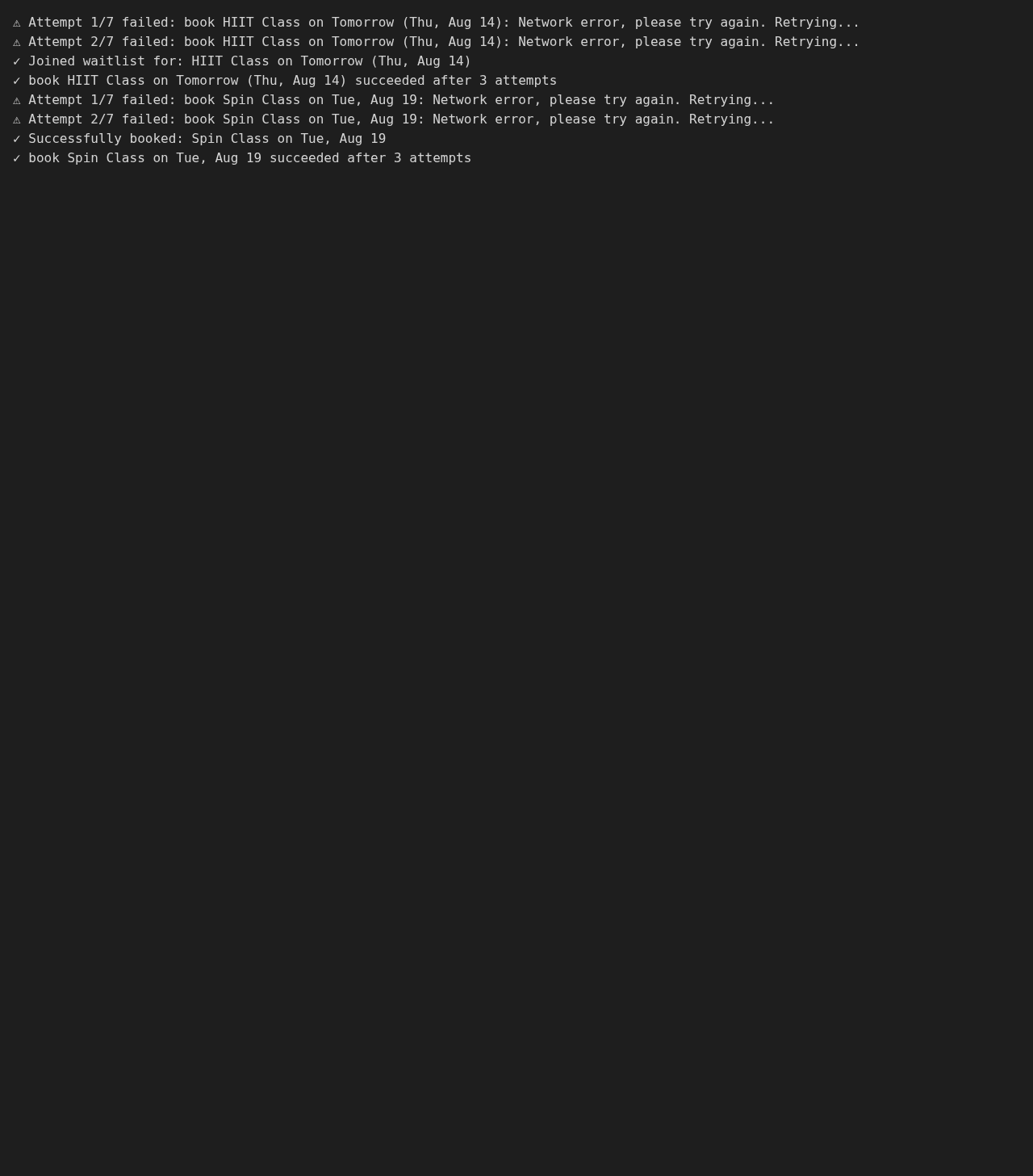 |
🧪 Tests
python -m pytest
Coverage of the logic modules is checked with python -m pytest --cov. Tests that need a real browser are marked browser and run in the Docker container; all other tests need neither a browser nor the network.
Build the source documentation with Doxygen:
doxygen Doxyfile
📄 License
GNU Affero General Public License v3.0, see LICENSE.
🔗 Links
📎 Appendix: Project documents
The documents a newcomer needs, in reading order.
| Document | What it tells you |
|---|---|
| AGENTS.md | The rules AI agents follow in this repository |
| Business Case | Why the project exists, its scope and success criteria |
| Stakeholder Analysis | Who is involved; the stakeholder IDs used for owners and reviewers |
| Project Plan | The gateways and their schedule |
| Milestones | One document per gateway: Go/No-Go criteria and tasks |
| Artifact registry | Where each artifact type lives, the next version, the PO language and domain |
| Domain dictionary | The PO terms and the IT terms |
| Traceability matrix | How the artifacts link and when each was last reviewed |
| Framework README | The framework this project uses |
| Framework changelog | What changed in each framework release |