
2.0 KiB
English | Dansk | Bahasa Malaysia
Lecture steps
Step 1 - Open the page
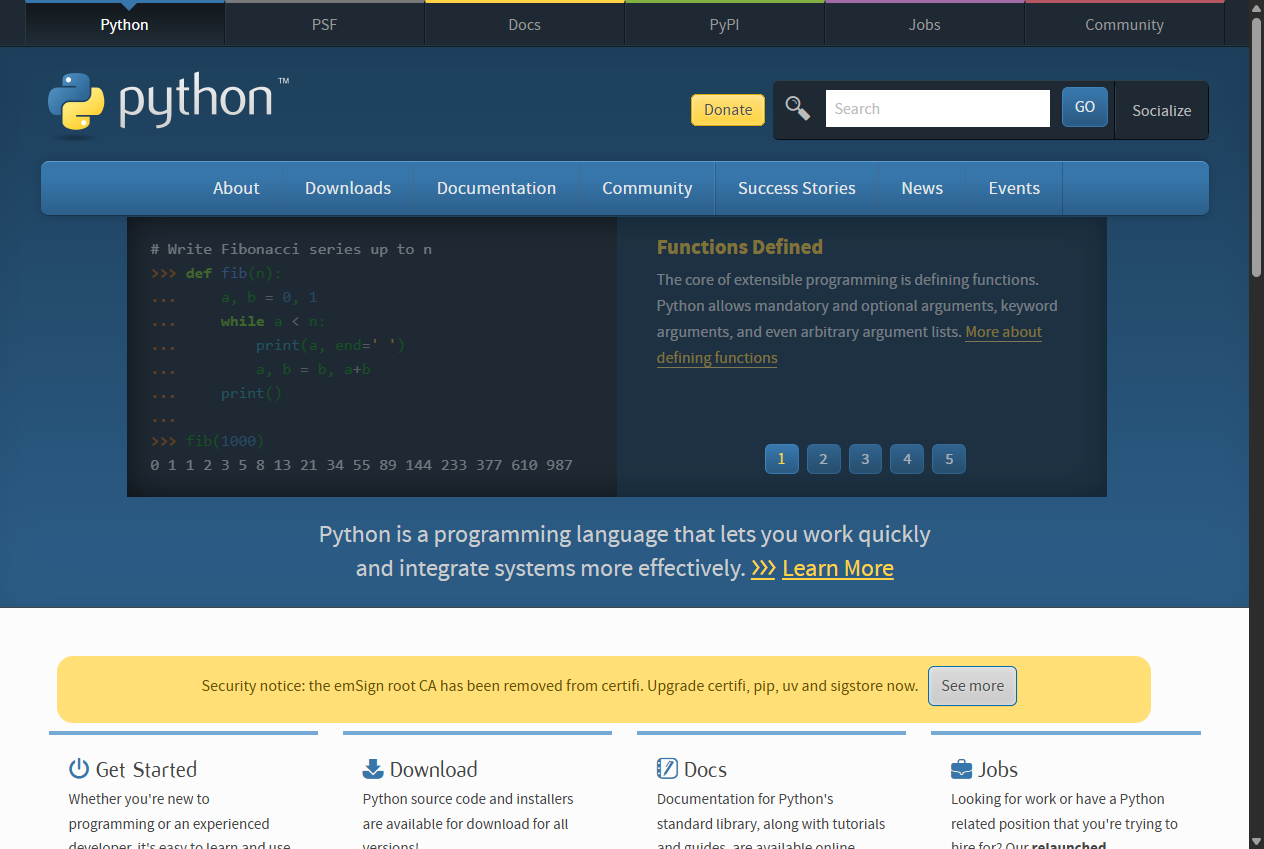
driver.get("https://www.python.org/") loads the page in Chrome.
What you gain: the driver is your remote control for a real browser. It
must always be closed again, so the modern code wraps it in try/finally.
Step 2 - Locate the widget with the inspector
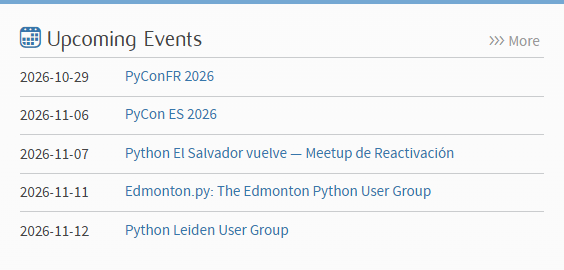
Right-click the widget and choose Inspect. The events live inside an element
with the class event-widget; each event is an li holding a time and an
a tag.
What you gain: you learn to read the HTML tree and find the container that holds exactly the data you want.
Step 3 - Select the five list items with a CSS selector
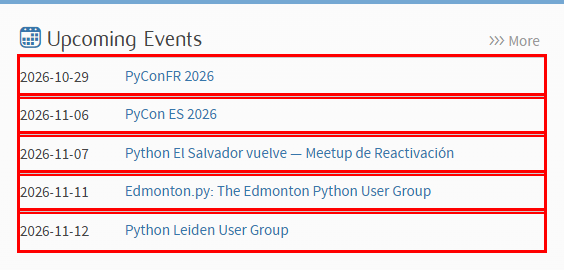
driver.find_elements(By.CSS_SELECTOR, ".event-widget li") returns the five
items. A class-based selector is shorter and more stable than the long XPath
copied from the inspector, and it does not match unrelated links.
What you gain: you know the Selenium locator strategies and when CSS selectors beat XPath.
Step 4 - Build the dictionary

For every item we read time and a and store them under the item's index,
with enumerate instead of a manual counter.
What you gain: you turn page elements into structured data: a dictionary of dictionaries, ready to use in the rest of a program.