 Tirsvad
9565ebe66d
Tirsvad
9565ebe66d
Wiki pages in English, Danish and Bahasa Malaysia for the home page and the
three lecture steps, with a sidebar and the screenshots; README with the
screenshots table and wiki links; review RC-011.

Task: MIL-003#1
1.9 KiB
1.9 KiB
English · Dansk · Bahasa Malaysia
Step 3: Challenge, fill out a form
The lecture
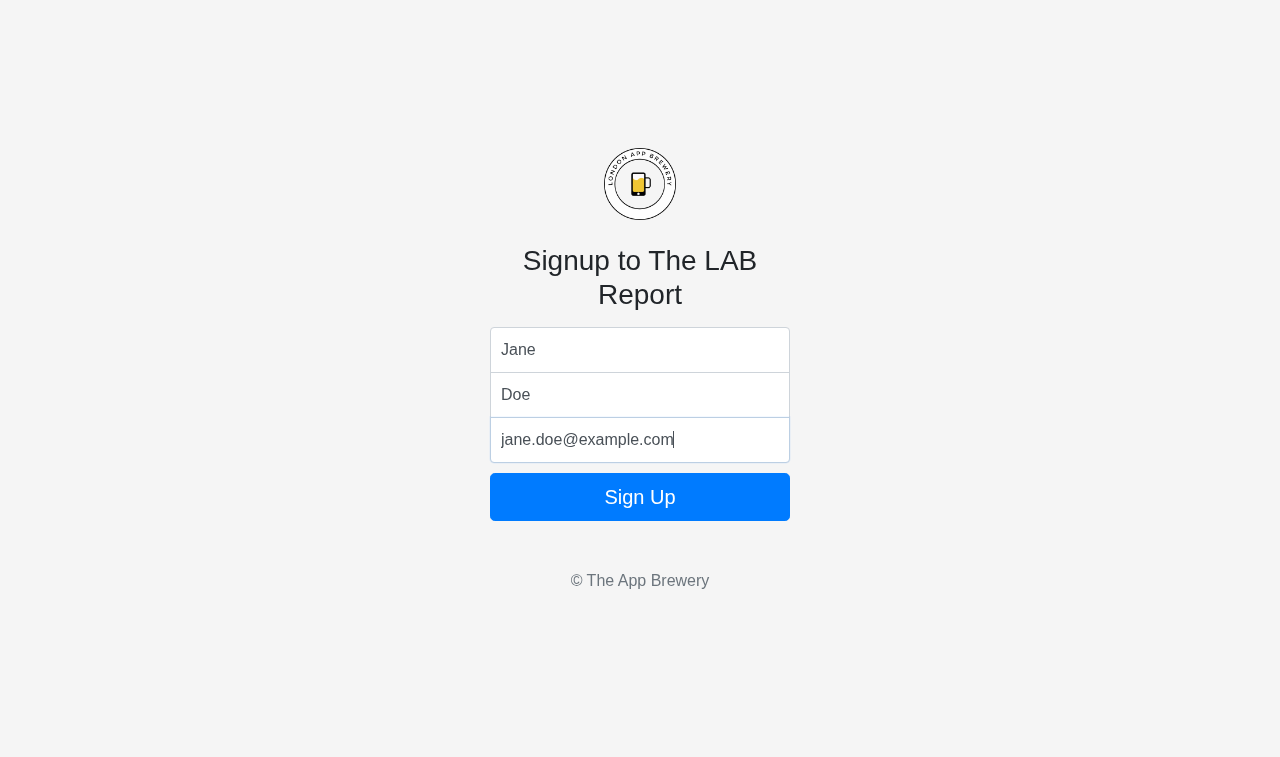
The challenge: fill out a sign-up form with a first name, last name and email address, then click the Sign Up button. Some elements have no id or name that is easy to use, so the lecture points to CSS selectors.
The code
def fill_out_form(browser, form_data=None, before_submit=None):
    data = form_data if form_data is not None else default_form_data()
    browser.find_element(BY_CSS_SELECTOR, FIRST_NAME_SELECTOR).send_keys(data.first_name)
    browser.find_element(BY_CSS_SELECTOR, LAST_NAME_SELECTOR).send_keys(data.last_name)
    browser.find_element(BY_CSS_SELECTOR, EMAIL_SELECTOR).send_keys(data.email)
    if before_submit is not None:
        before_submit()
    browser.find_element(BY_CSS_SELECTOR, SIGN_UP_BUTTON_SELECTOR).click()
What the browser shows
The form after typing, before the click:
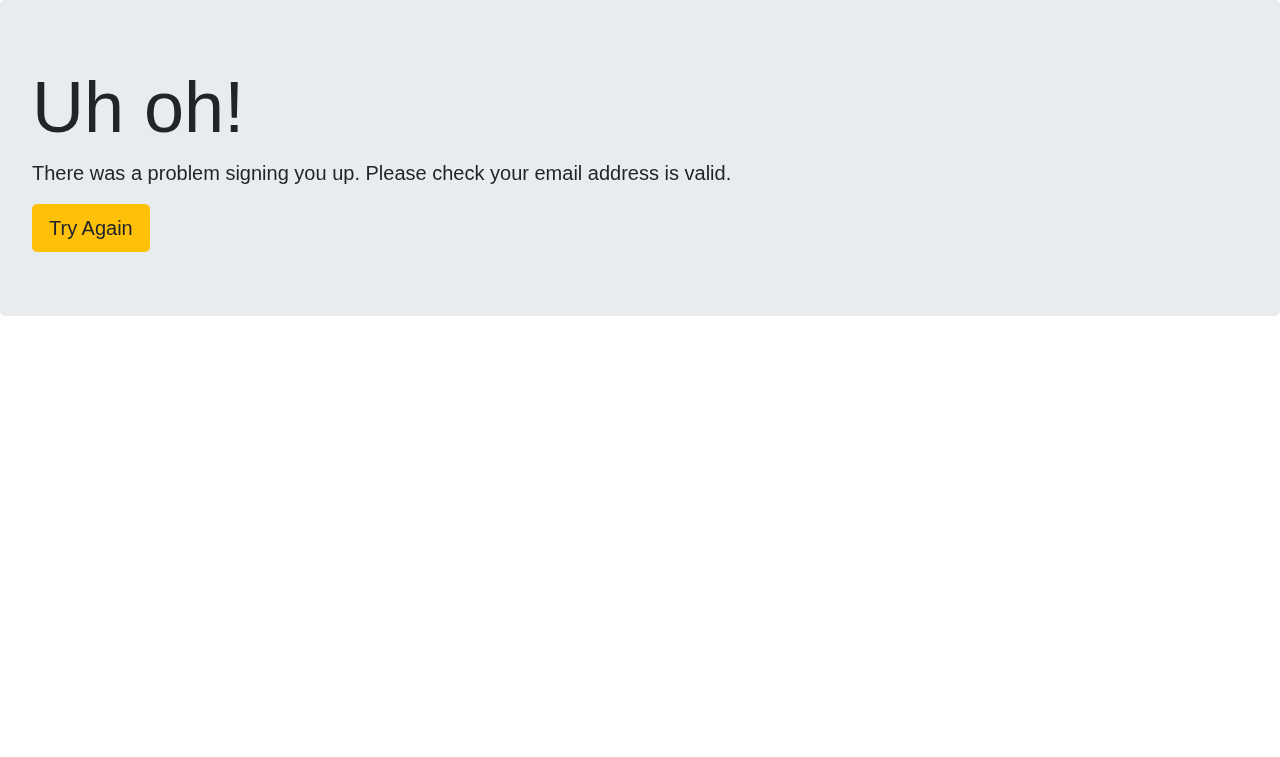
The page after Sign Up. The demo page checks the email address, and the default jane.doe@example.com is rejected. Run the program with your own address (--email you@yourdomain.com) to see the success page:
What we gained
- A CSS selector such as
input[name='fName']finds an element that has no id. - Steps 1 and 2 combine here: find, type, click.
- A real page can answer unexpectedly; the screenshot after the click shows what really happened.
- Keeping selectors in
constants.pymeans a changed page needs one edit, not a search through the code.