1
Step 1 Scrape the Billboard
Tirsvad edited this page 2026-10-28 07:41:18 +01:00
Step 1 - Scrape the Billboard Hot 100
🌐 English · Dansk · Bahasa Melayu
What the step does
The program asks for a date in the format YYYY-MM-DD, requests https://appbrewery.github.io/bakeboard-hot-100/<date>/ and reads the 100 songs out of the HTML. Bakeboard is the course's clone of the Billboard Hot 100, because the real site can change or add a paywall at any time.
python -m musical_time_machine --list-only
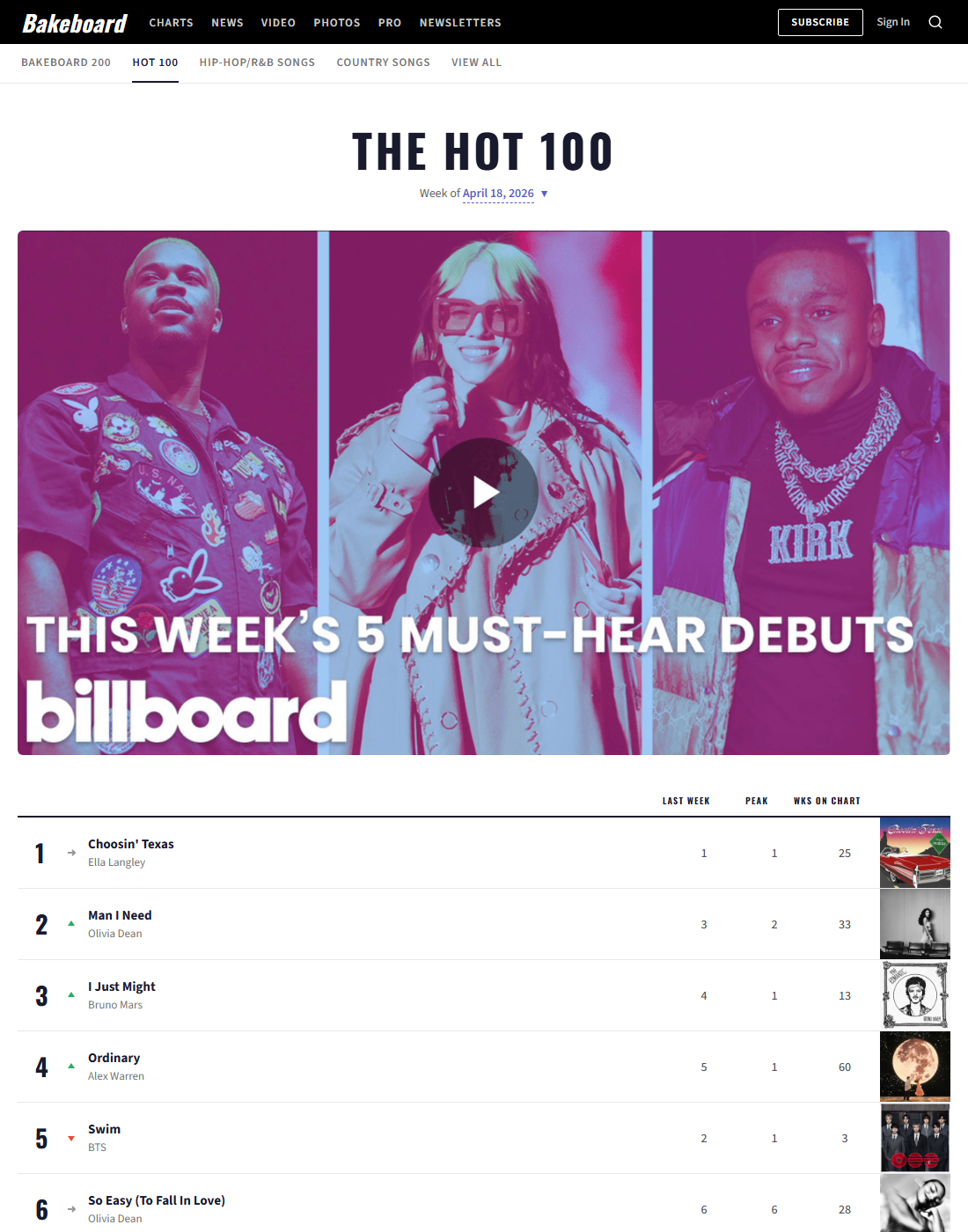
The Bakeboard page of 2026-04-18:
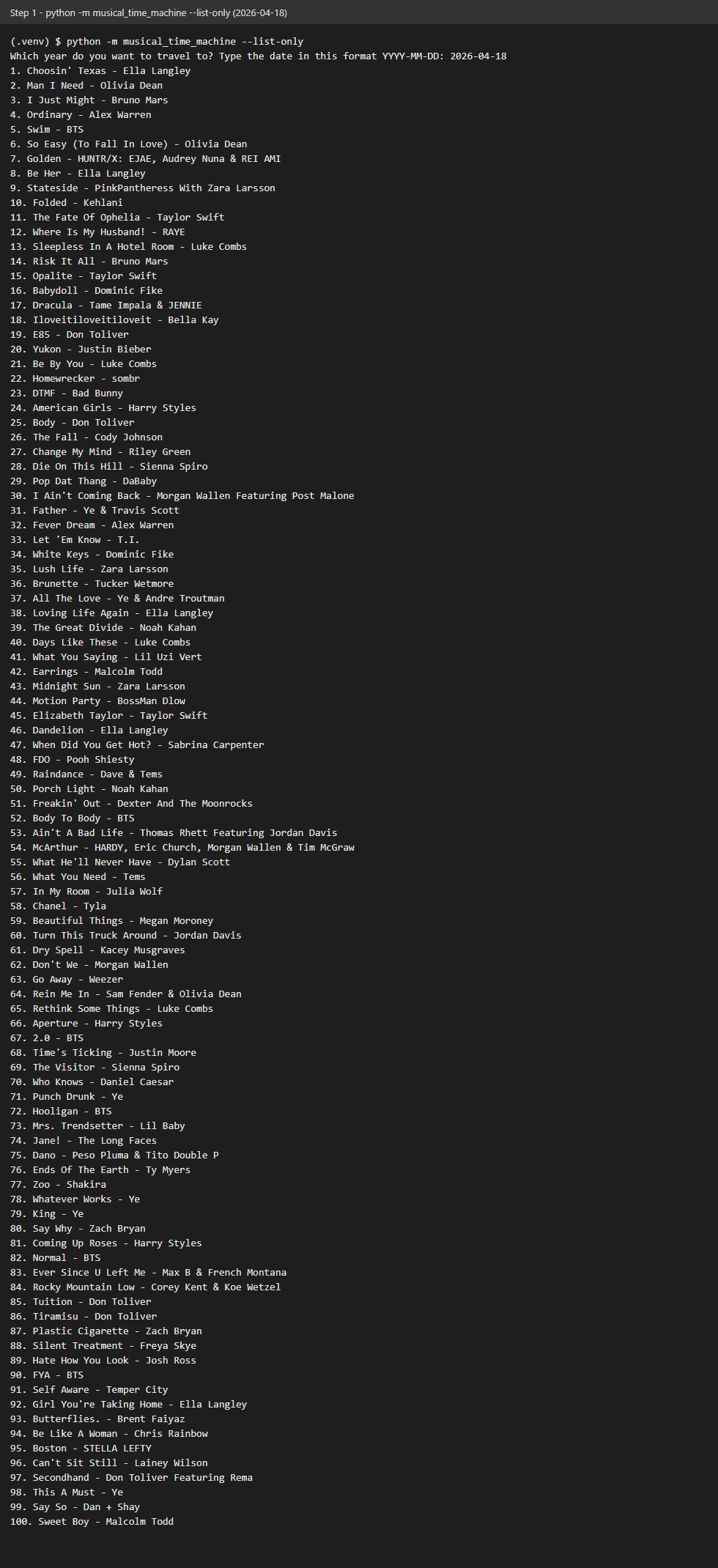
The output of the program (rendered from the text of a real run, not a photo of a terminal window):
What we gained
- Reading a web page as data.
BeautifulSoupturns HTML into a tree, and a CSS selector (div.chart-entry,h3.chart-entry__title) picks the parts we want. We found the selectors by looking at the page's markup first. - Being a polite client. A request carries headers; the
User-Agenttells the server what kind of client asks. Atimeoutandraise_for_status()make a slow or missing page fail clearly instead of hanging. - Validating input at the edge.
parse_chart_dateaccepts only realYYYY-MM-DDdates, so the rest of the program never sees a bad date. - Testing without the network. The chart page is stored under
tests/fixtures/, and the scraper takes its page fetcher as a parameter, so the tests check 100 songs without a single request. - Keeping the knowledge in one place. URL, selectors and messages live in
constants.py; if Bakeboard changes its markup, one file changes.