English · Dansk · Bahasa Melayu
Scraping Hacker News
Lecture: Scraping a live website. The code is hacker_news.py (parsing) and http_client.py (one requests.get with a timeout and a User-Agent). The commands read the course's static copy of the page; --source live reads the real site and --source fixture reads the saved copy without network.
Step 1: look at the page
The page lists stories with a title, a link and a score.
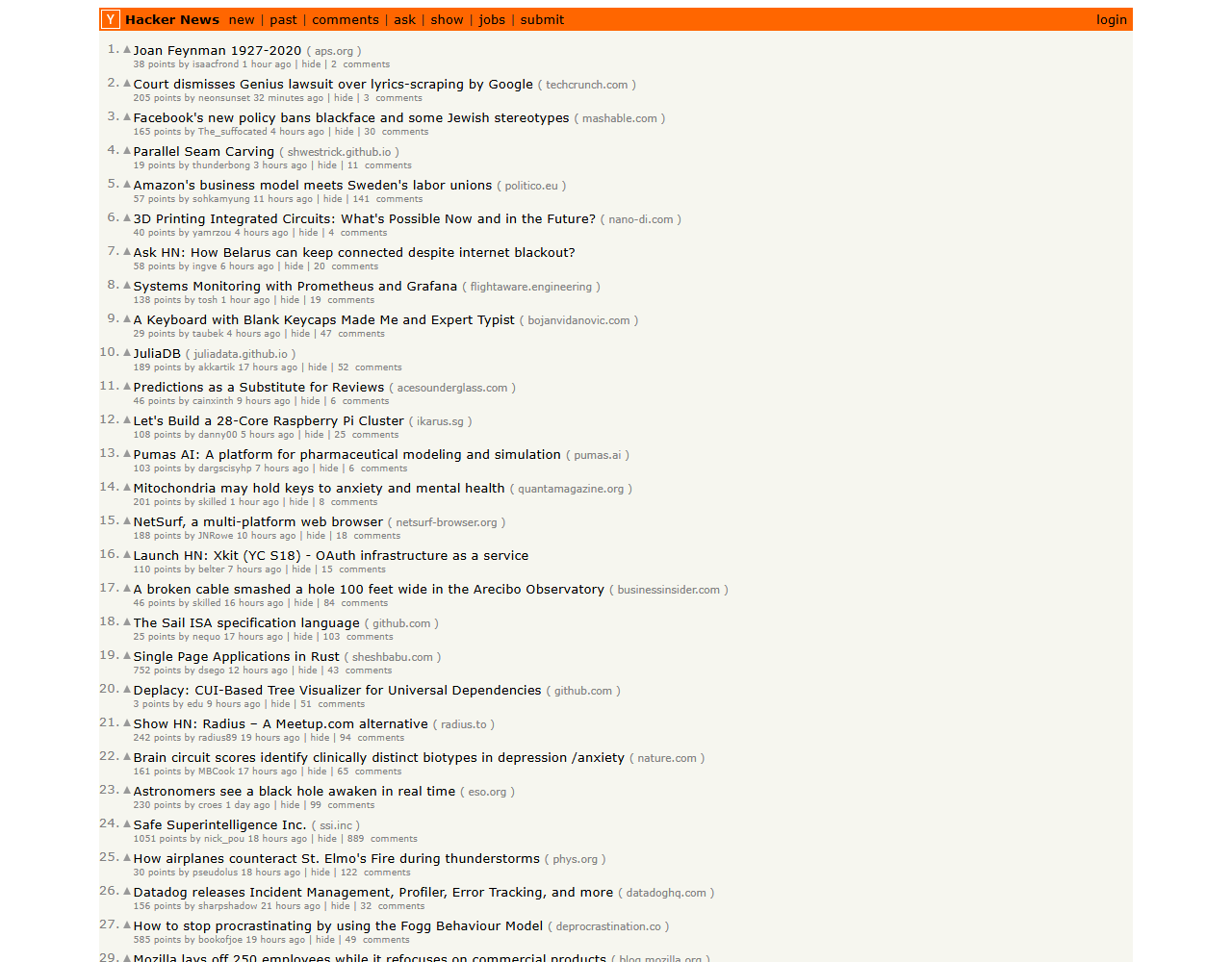
What we gained: live data is richer than a local file, but it can change, so we also keep a saved copy for tests.
Step 2: inspect the markup
The browser's developer tools show the tags: a row tr.athing, the title link .titleline > a and a span.score in the next row.
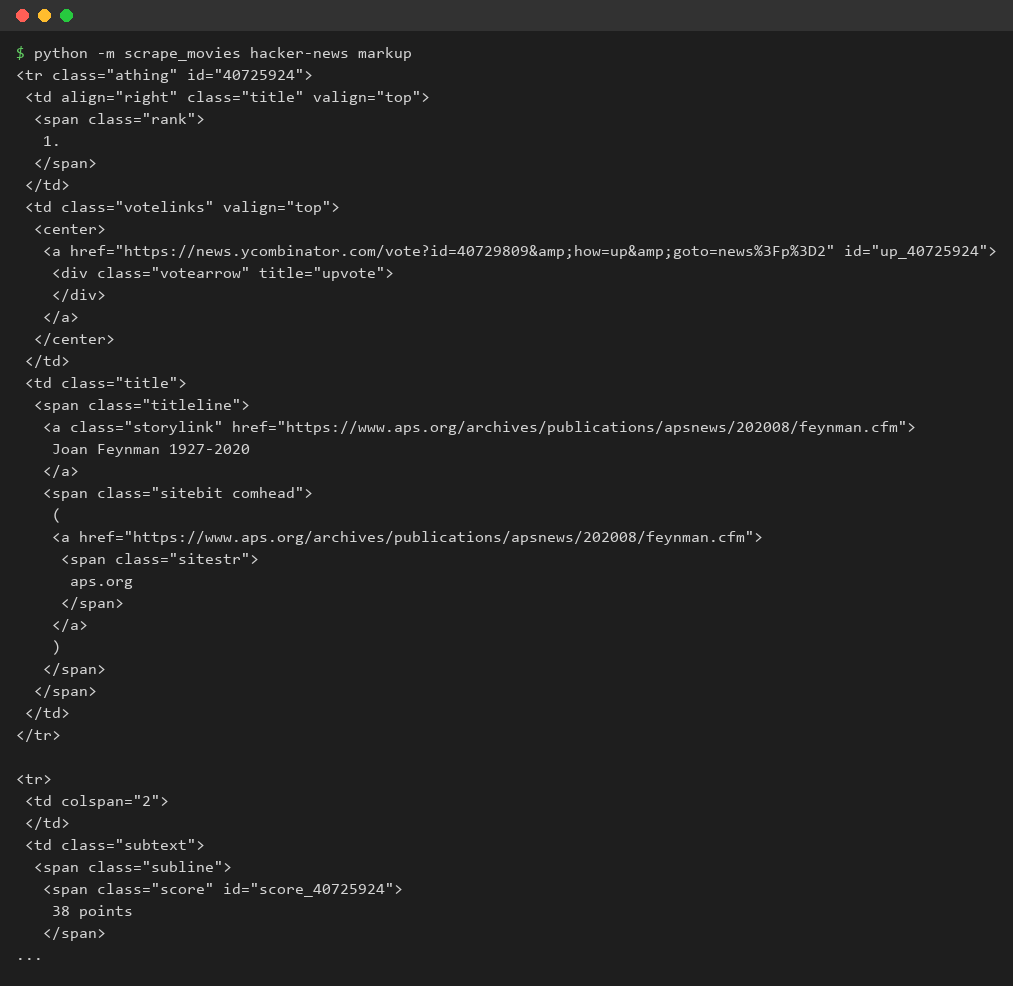
What we gained: we find the right tag by inspecting the page before we write any code.
Step 3: titles
find_all on the title links and get_text().
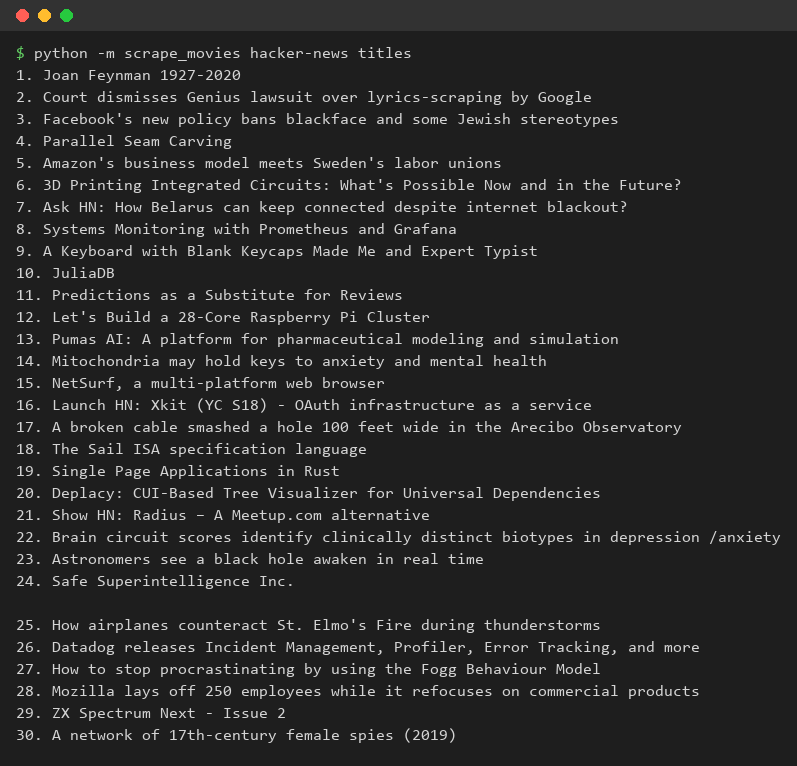
What we gained: a list comprehension turns many tags into a plain list of strings.
Step 4: links
get("href") of the same anchors.
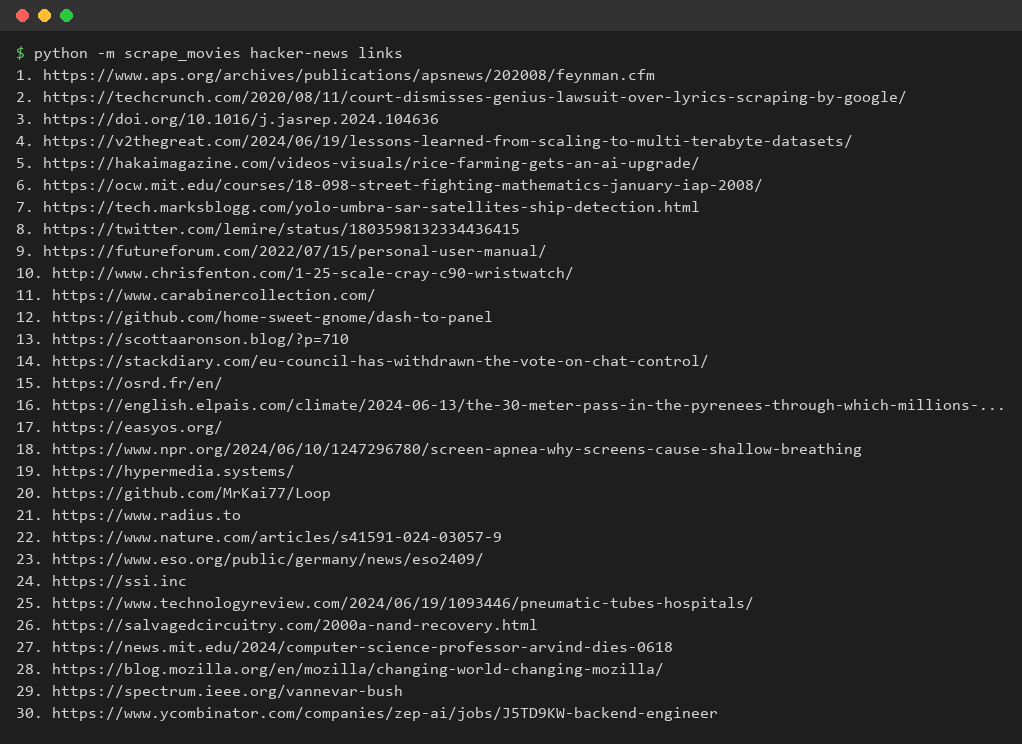
What we gained: the same element gives both text and attribute values.
Step 5: upvotes
The text 38 points is split and converted with int().
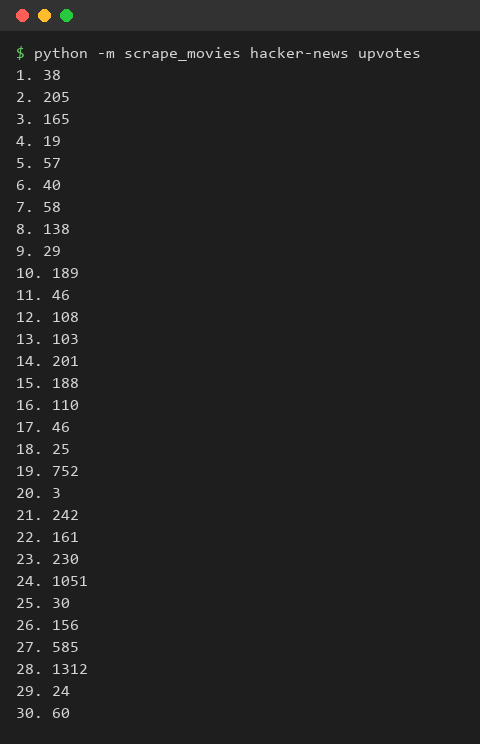
What we gained: scraped text must be converted to numbers before it can be compared.
Step 6: the top story
max over the upvotes finds the most popular article.
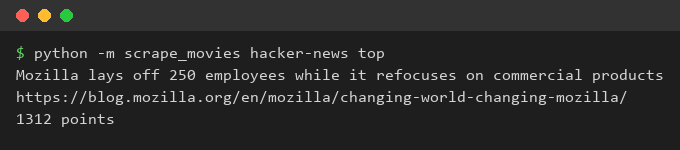
What we gained: once the data is clean, ordinary Python answers questions about it.
What we gained
We can fetch a page with Requests, find the rows, read titles, links and scores, convert them to usable types and answer a question about the data.