1
Usage
Jens Tirsvad Nielsen edited this page 2026-10-14 19:38:40 +08:00
Usage
🌐 English · Dansk · Bahasa Melayu
Activate the virtual environment (see Install), then start the program:
python -m nato_phonetic_alphabet
The installed command does the same:
nato-phonetic-alphabet
Spell a word
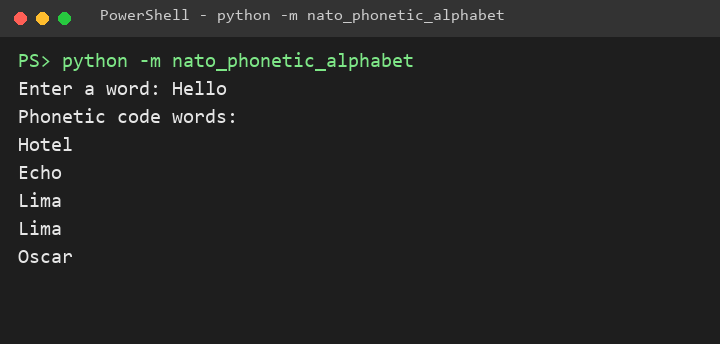
The program asks for a word and prints the NATO code word of each letter, in order. Upper and lower case give the same result.
Invalid input
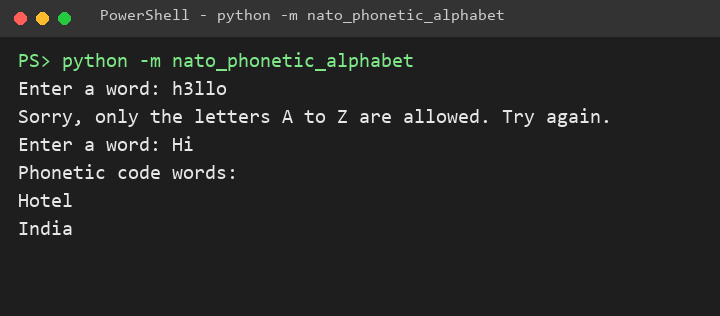
A digit, a space or a punctuation mark is not a letter. The program says so and asks again.
Press Ctrl+C or Ctrl+D
Ending the input (Ctrl+D on Linux and macOS, Ctrl+Z then Enter on Windows) or pressing Ctrl+C closes the program quietly.