1
Step 1 Scrape the Price
Tirsvad edited this page 2026-10-28 07:51:21 +01:00
Step 1: scrape the price
🌐 English · Dansk · Bahasa Melayu
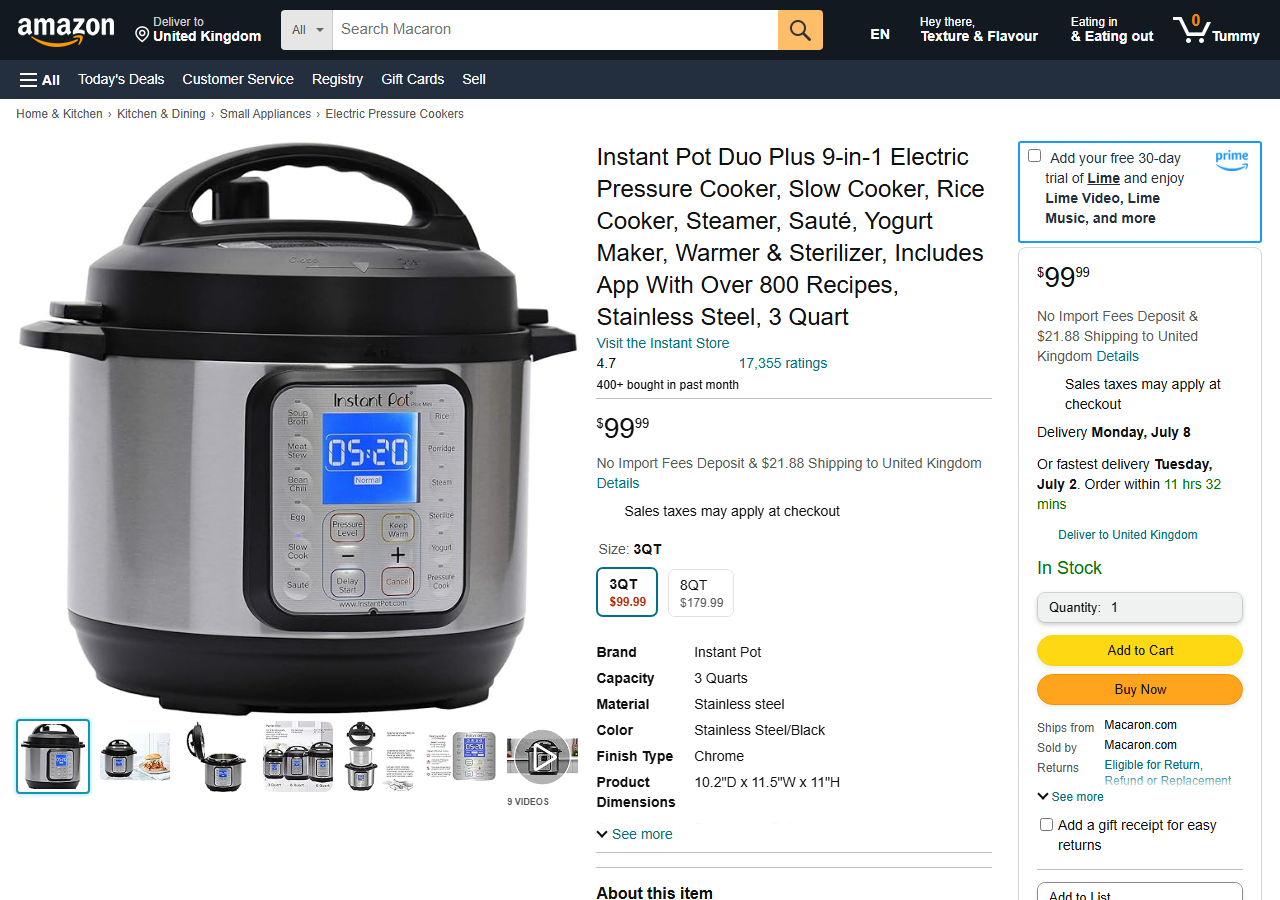
Assignment. Use BeautifulSoup to get the price of the Instant Pot on the practice page as a floating point number and print it.
What we built. get_title(html) and get_price(html) in infrastructure/scraper.py. The price is in the first element with class a-offscreen; its text is $99.99. split("$") drops the currency sign and float() makes the number.

What we gained
- How to find an element in the browser's inspector and select it with BeautifulSoup (
select_one). - How to clean scraped text (
strip,split) before converting it withfloat(). - Tests that use a saved copy of the page, so they run without the network.
- A clear error (
PriceNotFoundError) when the element is missing.