 Tirsvad
67062dffbc
Tirsvad
67062dffbc
The publish workflow reads Markdown pages directly in docs/wiki, named Home.md, Home-da.md and Home-ms.md. The wiki screenshot uses an absolute URL because wiki pages cannot reach repo files by relative path.
2.0 KiB
2.0 KiB
Motivational Poster
English · Dansk · Bahasa Malaysia
A motivational poster web page made with HTML and CSS only.
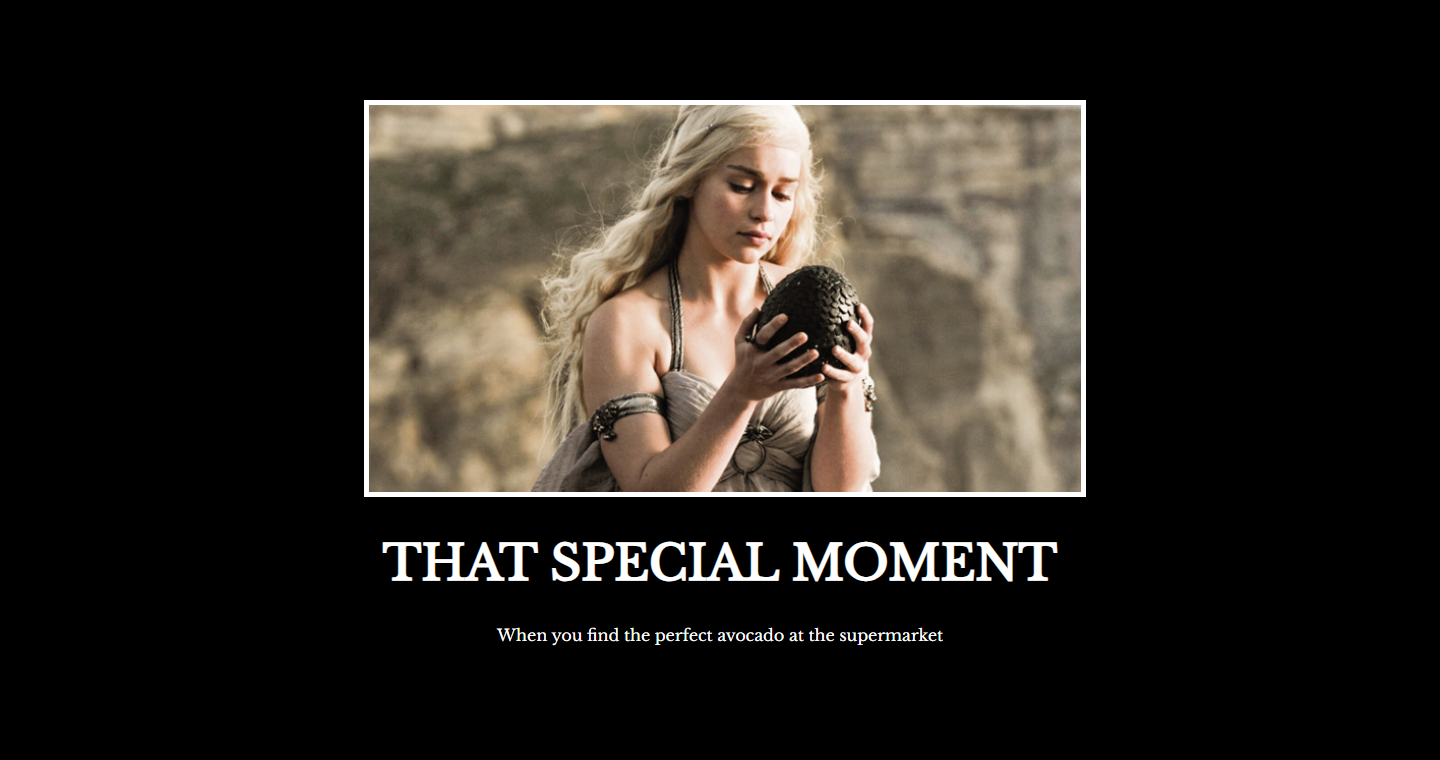
Requirements
- The
h1uses the Libre Baskerville font from Google Fonts. - White text on a black background.
- An image with a 5px white border.
- Centred text.
- A
divholds theh1,pandimg, and is centred on the page. - The
h1is uppercase through CSS, not by retyping it.
How it works
HTML
<div class="poster">
  <img class="motivation-img" src="./assets/images/daenerys.jpeg" alt="A woman holding a dragon egg">
  <h1>That Special Moment</h1>
  <p>When you find the perfect avocado at the supermarket</p>
</div>
Keeping the image and the text in one div means one rule can size, centre
and colour all of them.
CSS
| Rule | What it does |
|---|---|
body { background-color: black; } |
Black page background. |
.poster { width: 50%; margin-left: 25%; } |
Half the page wide, with 25% free on each side, so it is centred horizontally. |
.poster { margin-top: 100px; } |
Space above the poster. |
.poster { color: white; text-align: center; } |
White, centred text. |
.poster { font-family: "Libre Baskerville", serif; } |
The Google Font, with a fallback. |
.motivation-img { width: 100%; border: 5px solid white; } |
The image fills the div and gets a white frame. |
h1 { text-transform: uppercase; } |
Uppercase title without retyping it. |
The Google Font is loaded with a <link> in the <head> of src/index.html.
Make your own
- Put your image in
src/assets/images/. - Update
srcandalton theimg. - Change the text of the
h1andp. - Experiment: fonts, colours, border width, spacing.
Run it
Open src/index.html in a browser. An internet connection is needed to load the
font.